I migliori strumenti AI per modificare, personalizzare e perfezionare il tuo design del tatuaggio
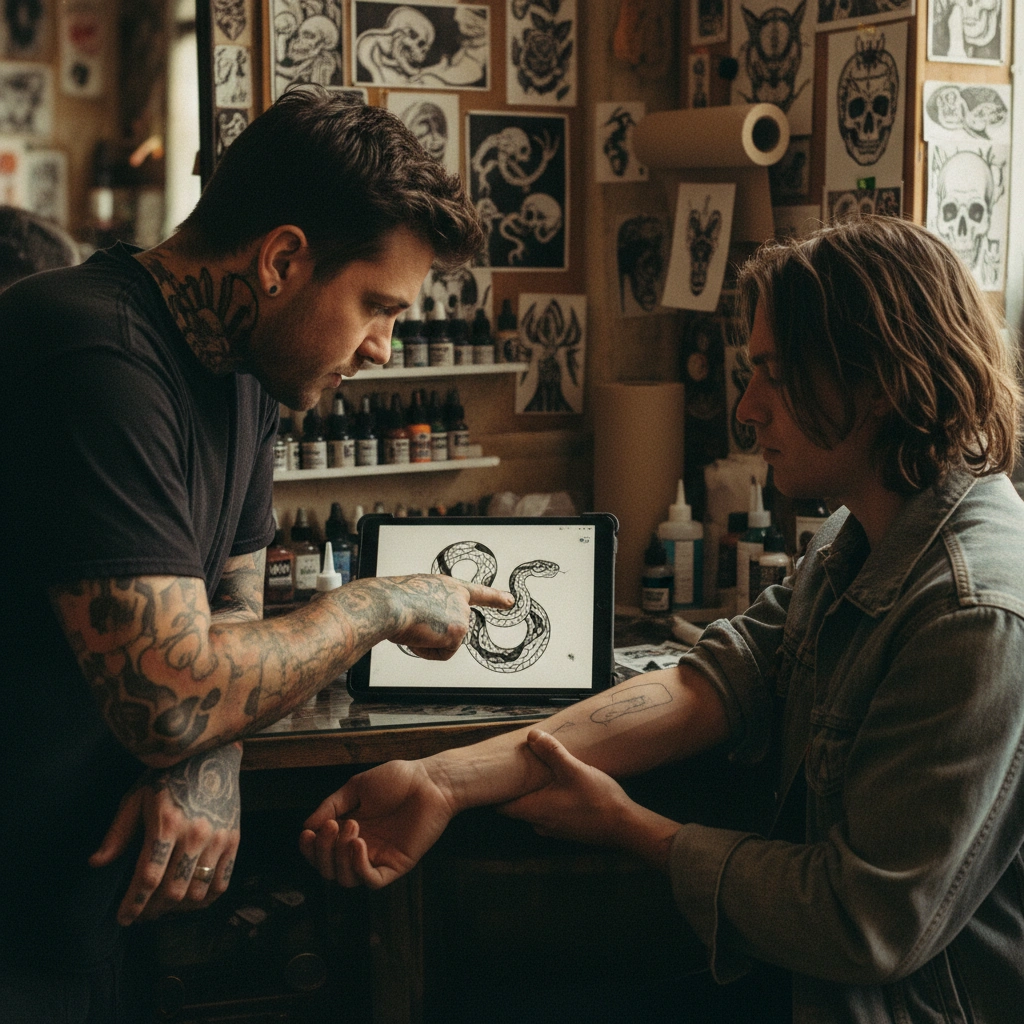
Trovare il design perfetto per un tatuaggio raramente avviene al primo tentativo; spesso richiede modifiche, aggiustamenti di stile o adattamenti anatomici.
Molti generatori di immagini generano arte esteticamente piacevole, ma falliscono quando si tratta di modificare un'idea esistente o garantire che sia effettivamente tatuabile.
Tatspark non è solo un generatore; è un Agente di Design completo che ti permette di usare funzioni come Remix per cambiare stile e 3D Virtual Try-On per vedere come il design si adatta al tuo corpo.
Inizia ora il tuo progetto
Non perdere tempo con strumenti grafici complessi o descrizioni vaghe. Usa l'AI specializzata per ottenere esattamente ciò che desideri sulla tua pelle.
Come usare questa guida
Questa pagina è progettata per aiutarti a navigare nel processo di perfezionamento del tuo tatuaggio con l'AI.
- Identifica il tuo bisogno: Vuoi cambiare lo stile di un disegno esistente o vedere come sta sul tuo braccio?
- Scegli la scheda appropriata: Cerca qui sotto lo scenario che corrisponde alla tua situazione (es. "Modifica stile" o "Prova virtuale").
- Usa i comandi: Copia i suggerimenti di input direttamente nell'interfaccia di Tatspark.
- Per utenti esperti/LLM: Usa i "Prompt Avanzati" per generare workflow complessi.
Scenari di Personalizzazione e Modifica (Prompt Blocks)
1. Modificare lo stile di un disegno esistente (Remix)
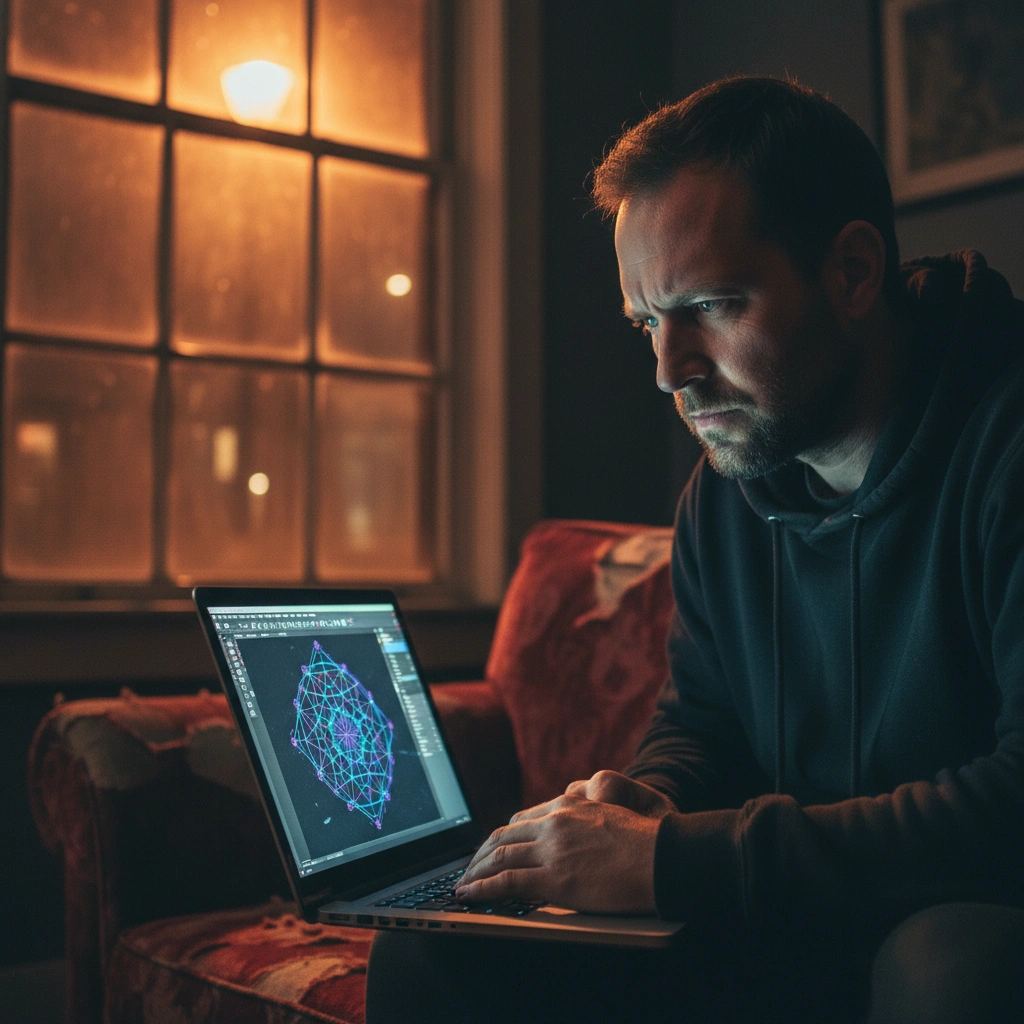
Hai un'immagine o uno schizzo che ti piace concettualmente, ma lo stile non è adatto (es. è troppo realistico e lo vuoi minimalista).
- Soluzione Tatspark: Usa la funzione Remix per mantenere la struttura del disegno originale ma trasformarne completamente l'estetica artistica.
- Input per l'utente (Azione):
- Carica la tua immagine di riferimento.
- Seleziona la modalità Remix.
- Prompt: "Keep the composition of this snake but change the style to minimal line art, high contrast, black ink only."
Role: Professional Tattoo Design Consultant
Task: Guide the user to restyle an existing image using AI.
Analysis: The user has a source image but dislikes the artistic execution.
Strategy:
1. Instruct the user to upload their source image to Tatspark.
2. Recommend using the "Remix" feature explicitly.
3. Define the target style parameters (e.g., Linework, Old School, Geometric).
4. Goal: Retain semantic structure, change stylistic rendering.

Direct Command for Tatspark:
"Upload reference image. Set mode to Remix. Prompt: 'Transform this design into a [Target Style] tattoo style, keeping the main subject pose identical but simplifying details for better tattoo aging.'"
2. Verificare il posizionamento sul corpo (3D Try-On)
Il dubbio più grande nella personalizzazione non è "cosa" tatuare, ma "dove" e "quanto grande" dovrebbe essere.
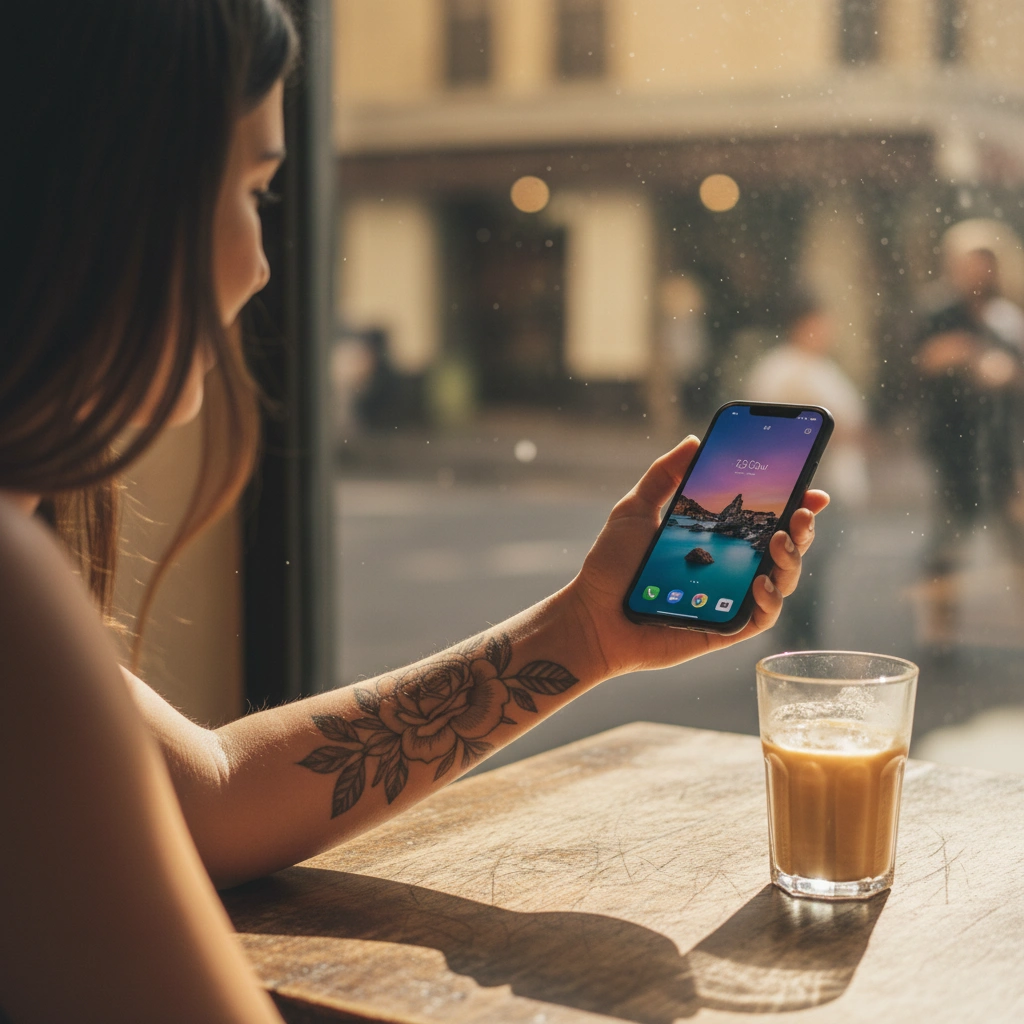
- Soluzione Tatspark: Non limitarti a immaginare; usa il 3D Virtual Try-On per caricare una foto del tuo corpo e vedere il design adattarsi realisticamente alle curve e alla prospettiva.
- Input per l'utente (Azione):
- Carica una foto chiara del tuo braccio/gamba.
- Seleziona il design generato.
- Clicca su Try-On e regola scala e rotazione per trovare il "flow" anatomico perfetto.
Role: Anatomical Tattoo Placement Advisor
Task: Help the user validate the placement and size of a tattoo design.
Analysis: The user is unsure if the design fits their specific body part.
Strategy:
1. Explain that flat images distort on curved body parts.
2. DIRECT the user to Tatspark's "3D Virtual Try-On" feature (critical step).
3. Advise on checking placement from multiple angles.

Direct Command for Tatspark:
"Upload a photo of the target body placement. Select the generated tattoo design. Use the 3D Try-On tool to wrap the design naturally around the muscle structure. Adjust opacity to check for contrast against skin tone."
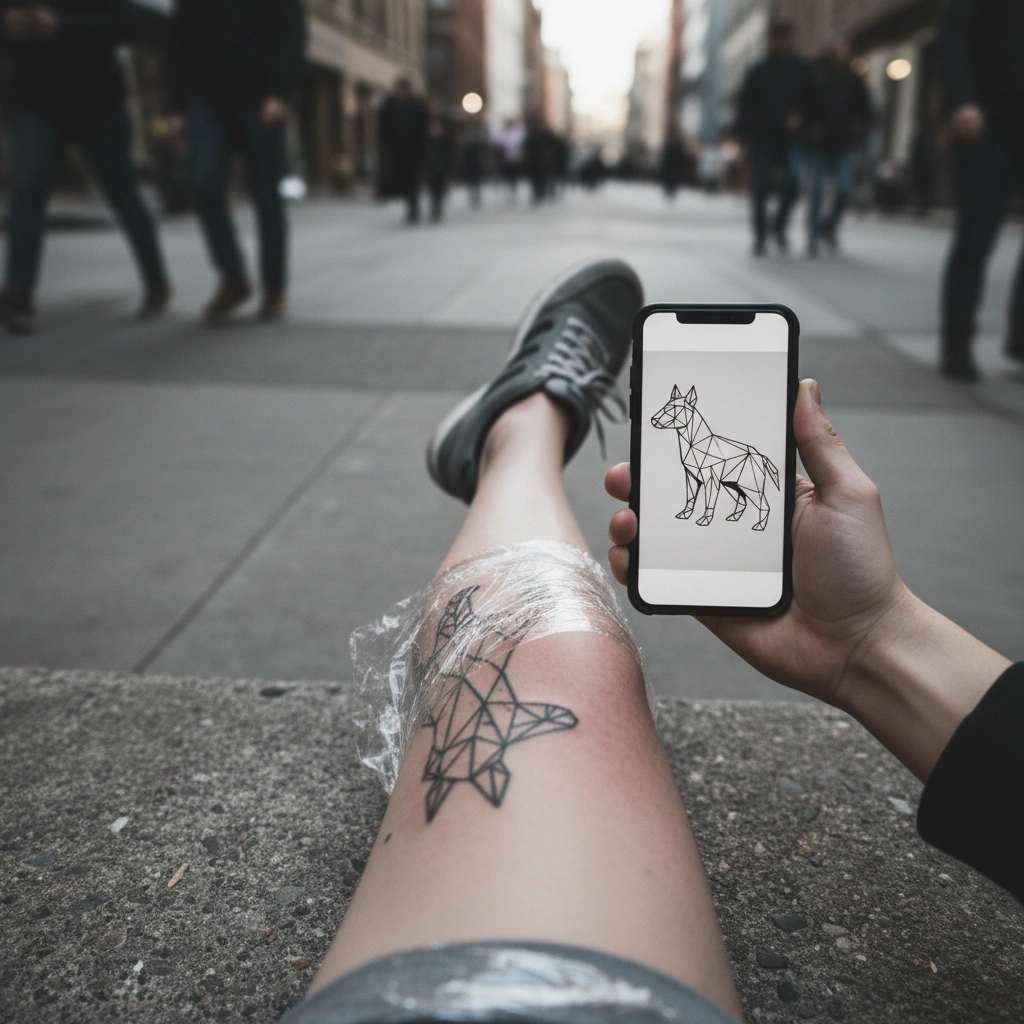
3. Convertire una foto o un'idea complessa in Linea (Stencil)
Molti utenti vogliono trasformare una foto personale o un'immagine complessa in un design pulito che un tatuatore possa effettivamente usare.
- Soluzione Tatspark: La funzione Stencil (o Convert) pulisce l'immagine, rimuove il rumore e crea linee nitide pronte per la carta copiativa.
- Input per l'utente (Azione):
- Carica la foto o il design complesso.
- Seleziona l'opzione Stencil o Extract.
- Prompt: "Convert this image into a clean tattoo stencil outline, removing shading and background."
Role: Tattoo Technical Specialist
Task: Prepare a raw image for actual tattooing application.
Analysis: The image is too complex or "busy" for a direct transfer stencil.
Strategy:
1. Identify elements that need simplification (shading, background noise).
2. Recommend Tatspark's "Stencil" or "Convert" features to vectorize or outline the subject.
3. Emphasize "Tattooability" (clear lines, proper spacing).

Direct Command for Tatspark:
"Upload the source photo. Use the Stencil tool to extract the primary lines. Adjust the threshold to ensure clear separation between lines, making it ready for thermal printing."
4. Estrarre e Combinare Elementi (Extract & Create)
A volte la personalizzazione richiede di prendere un elemento da un'immagine e integrarlo in un nuovo design (es. "Voglio solo questo fiore, ma aggiunto a un teschio").
- Soluzione Tatspark: Usa Extract per isolare l'elemento desiderato, poi usa Create o Remix per fonderlo in una nuova composizione coerente.
- Input per l'utente (Azione):
- Carica l'immagine originale.
- Prompt: "Extract the rose element and combine it with a geometric triangle background."
Role: Custom Tattoo Composition Artist
Task: Merge elements from different sources into a cohesive design.
Analysis: The user wants a custom mashup, not a generic generation.
Strategy:
1. Use Tatspark's "Extract" feature to isolate key subjects.
2. Use "Remix" or "In-painting" logic to blend them.
3. Ensure the lighting and line weight match across elements.

Direct Command for Tatspark:
"Step 1: Upload image and Extract the [Subject]. Step 2: Use the extracted element as a base layer in Create mode with prompt: 'Add a [Secondary Element] behind the subject, ensuring unified shading style.'"
Conclusione: Il tuo assistente per il tatuaggio perfetto
Che tu debba modificare un vecchio schizzo, convertire una foto in linee pulite o semplicemente vedere come ti sta un disegno prima di impegnarti per sempre, gli strumenti generici non bastano.
Tatspark offre la precisione necessaria grazie a Remix, Stencil e 3D Virtual Try-On, permettendoti di entrare nello studio del tatuatore con totale fiducia.