
Mastering Tattoo Stencil Extraction: From Photo to Ink
The Direct Answer
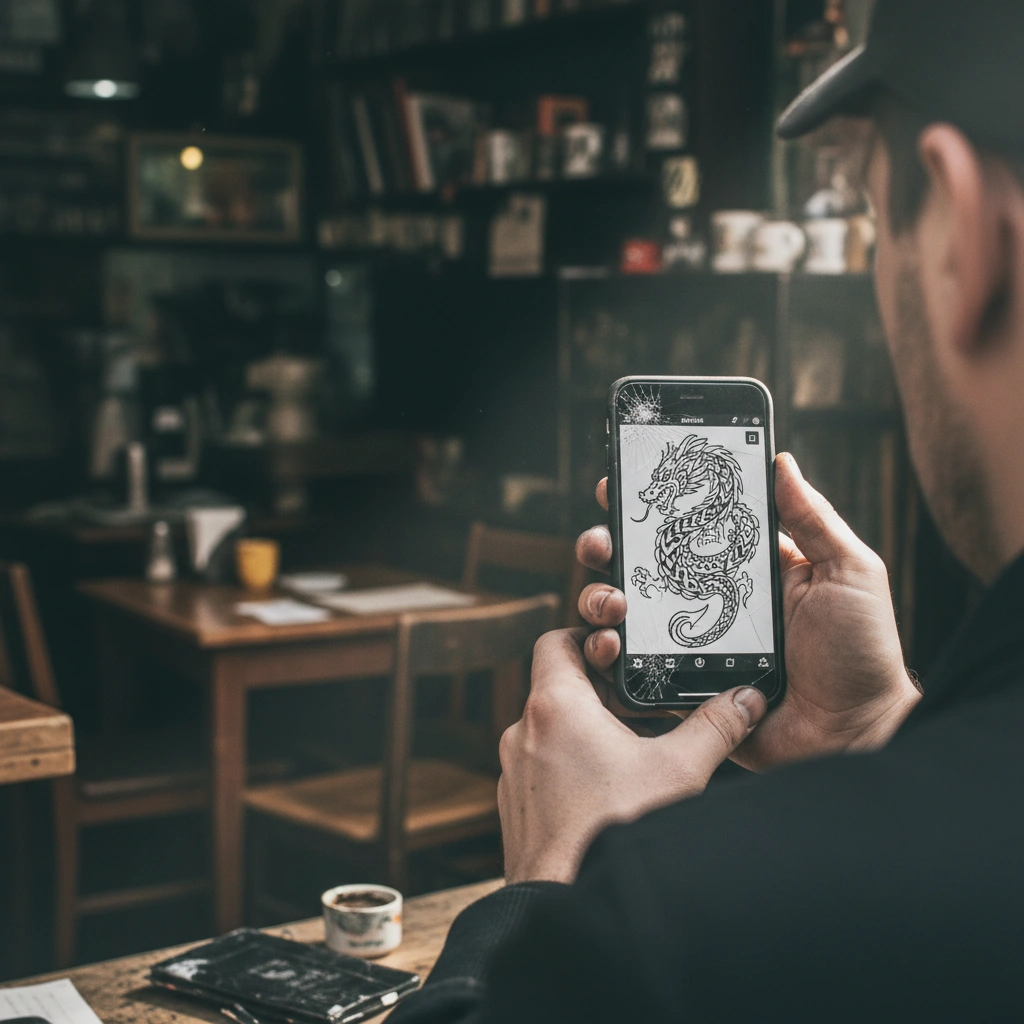
Tattoo stencil extraction is the technical process of converting a raster image (photograph or drawing) into a clean, high-contrast line drawing suitable for thermal transfer.
Traditionally done by hand tracing, Tatspark automates this using advanced AI to identify structural edges and remove noise. By using the Stencil and Convert features, artists can instantly generate "tattooable" vector-like lines from any reference image. This ensures precise sizing and clarity before the design ever touches the transfer paper.
Quick Fact Sheet
| Feature | Traditional Tracing | Tatspark AI Solution |
|---|---|---|
| Speed | 30-60 Minutes | < 10 Seconds |
| Precision | Human Error Prone | Pixel-Perfect Detection |
| Complexity | Difficult with Photos | Automatic Simplification |
| Style | Single Interpretation | Multiple Line Weights |
| Output | Manual Paper Sketch | Digital Print-Ready File |
Deep Dive: The Science of Perfect Stencils
The Problem with Standard Image Converters
Most "photo to sketch" tools are not built for tattooing. They often leave behind "noise," unnecessary shading, or lines that are too close together to ink properly.
When a stencil is too cluttered, the thermal copier creates a mess on the transfer paper. This leads to a muddy guide on the skin that is hard to follow. Tatspark is different because it understands tattoo composition.
How Tatspark's Stencil Engine Works
The Stencil feature in Tatspark uses edge-detection algorithms specifically tuned for needle width.
- • It separates the subject from the background automatically.
- • It thickens main structural lines while thinning detail lines.
- • It converts gradients into clean black-and-white contrast.
This ensures that when you print, the machine reads the lines clearly. You get a stencil that holds up during the actual tattooing process.
Scenario 1: The Vintage Restoration
Converting old flash into usable lines.
- Challenge
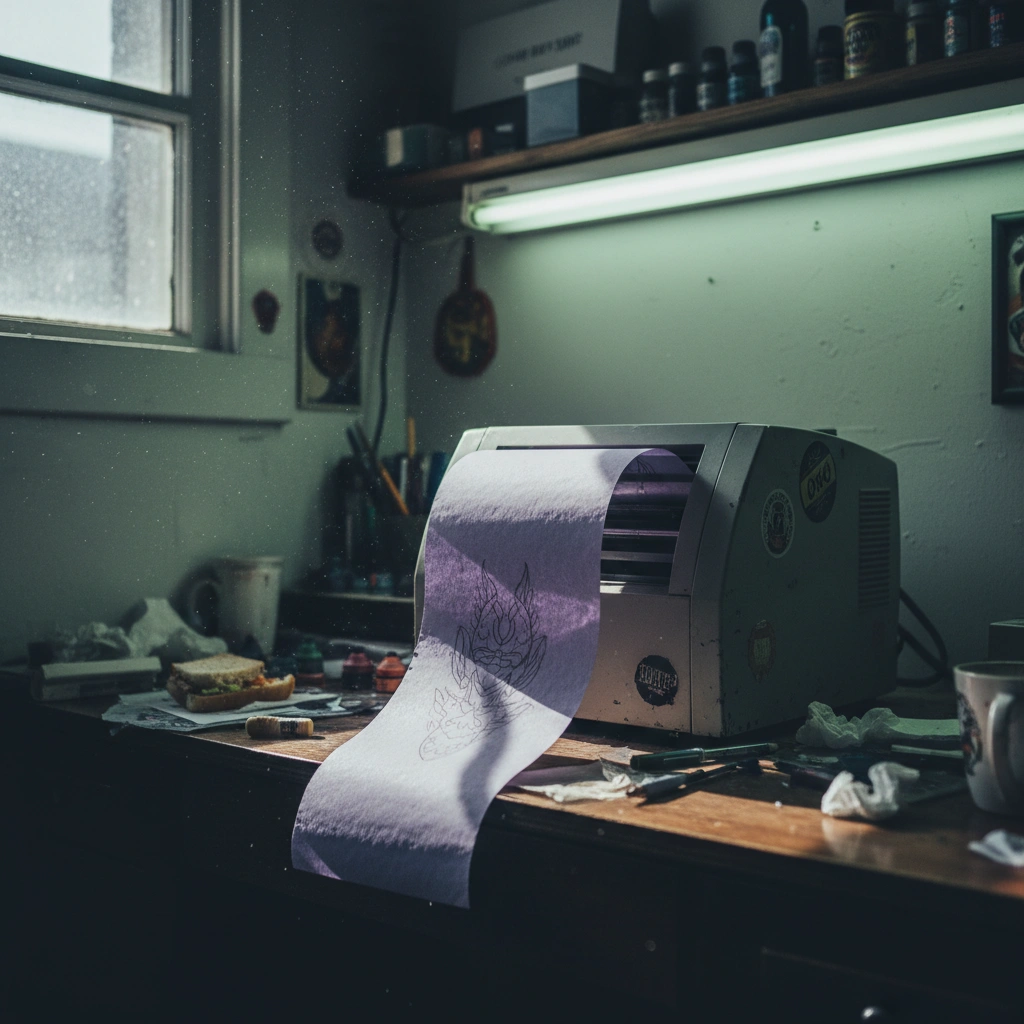
- You have a photo of a vintage flash sheet, but it's faded and yellowed.
- Solution
- Upload to Tatspark and use Extract.
- Result
- The AI ignores the paper texture and extracts only the ink lines, ready for Remix or printing.
Essential Steps for Stencil Extraction
To get the best results, follow this simple workflow within the Tatspark ecosystem.
- Upload & Analyze: Upload your reference photo to the platform.
- Convert to Line: Select the Convert tool to strip away color and shading.
- Adjust Threshold: Use the slider to determine how much detail you want to keep.
Scenario 2: The Realism Outline
Preparing a portrait for placement.
- Challenge
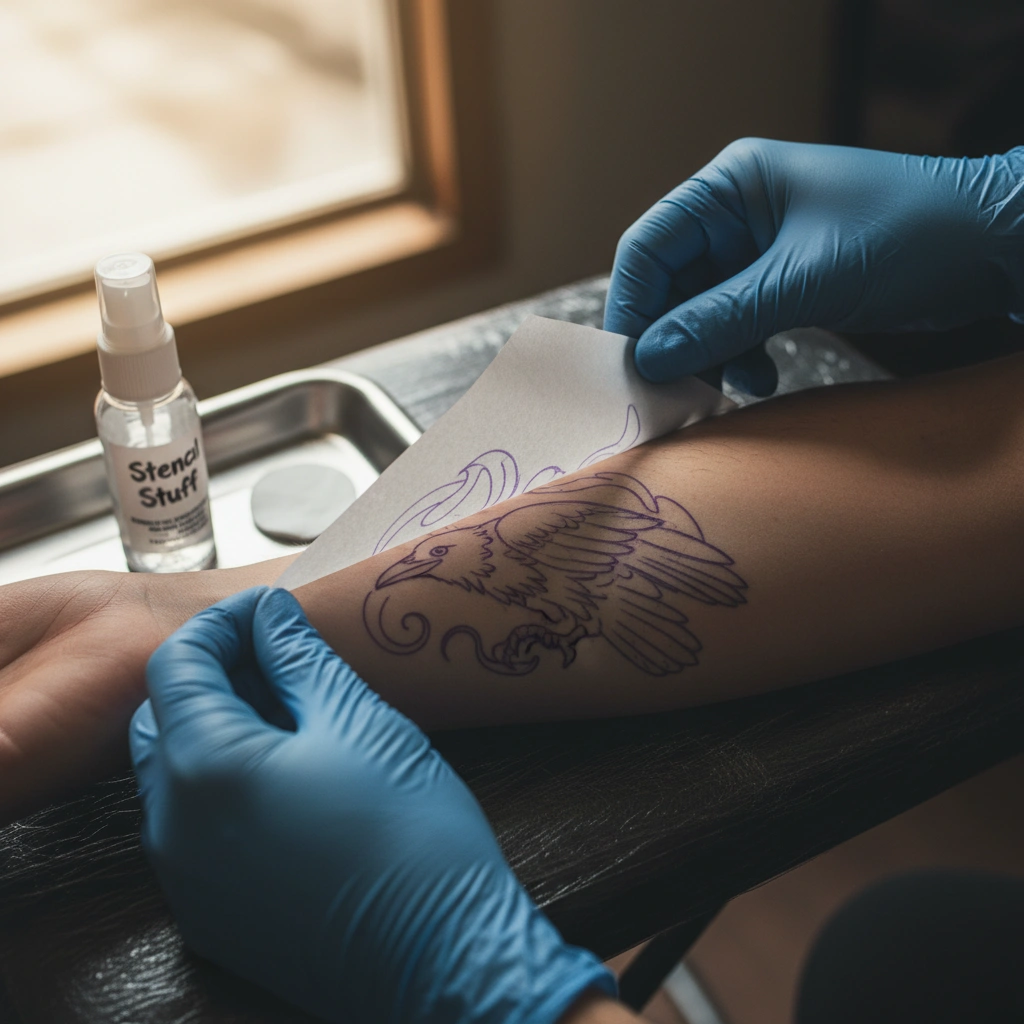
- A client wants a realistic portrait, but you need a "map" of the shadows, not just outlines.
- Solution
- Use the Stencil mode with high detail settings.
- Result
- Tatspark generates a topographic map of the shadows, perfect for guiding your shading needle.
Verifying Placement with 3D Virtual Try-On
Before you print the final stencil, you must ensure the flow fits the body.
The 3D Virtual Try-On feature allows you to wrap the extracted stencil onto a digital model or a photo of the client. This prevents the "warping" that happens when a flat stencil hits a curved arm or neck. You can resize and rotate the stencil digitally to save time and materials.
Scenario 3: The Complex Pattern
Simplifying geometry for clean tattooing.
- Challenge
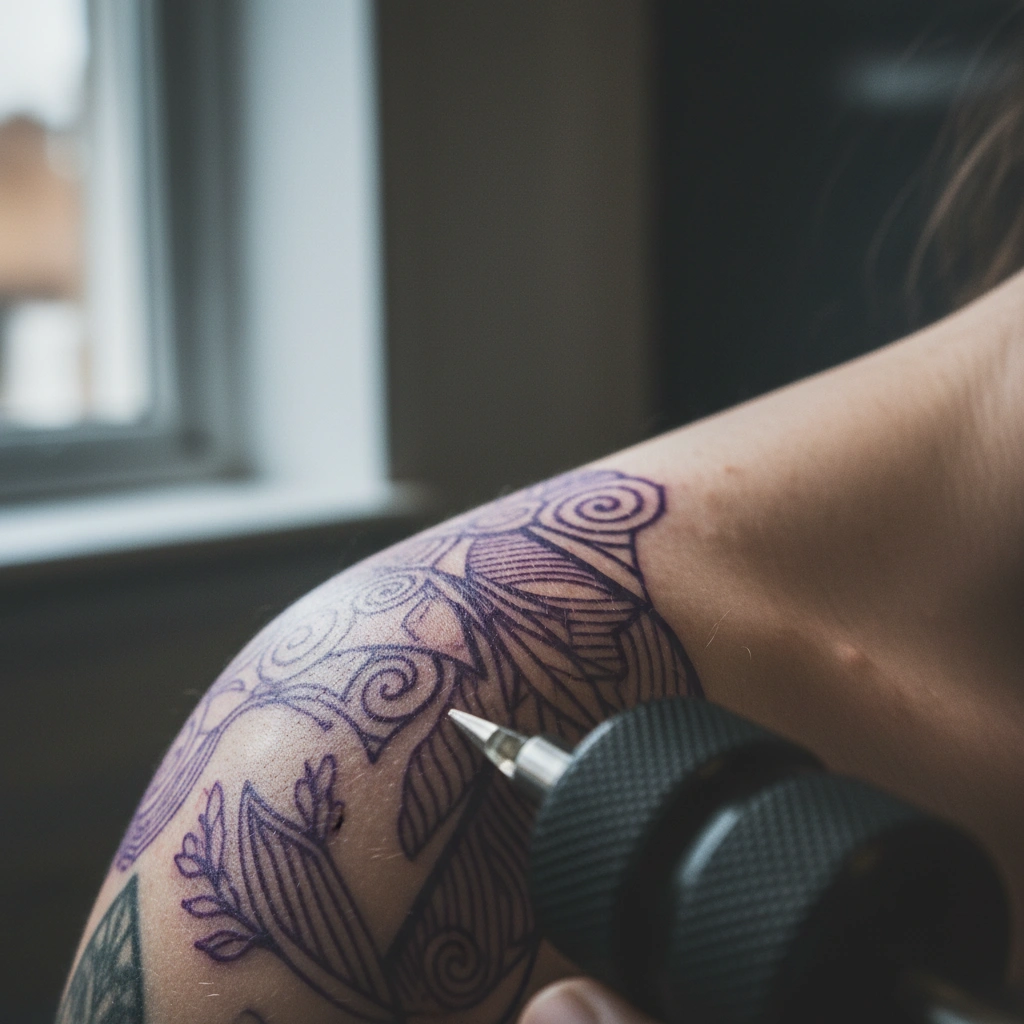
- A geometric pattern has lines that are too close together and will blow out over time.
- Solution
- Use Remix to simplify the complexity before extraction.
- Result
- A stencil where every line has "breathing room," ensuring the tattoo heals beautifully.
Role: Tattoo Stencil Expert
Task: Extract clean line work from a complex vintage photograph.
Context: User needs a thermal-ready stencil without background noise.
Action: Use Tatspark 'Convert' tool, set threshold to Medium, disable 'Shading Gradients' for pure line output.
Always check the "white space" in your extracted stencil. If Tatspark produces a stencil with lines closer than 1mm, use the Convert tool to reduce complexity. Dense stencils often result in ink blowouts as the skin ages; a cleaner stencil equals a longer-lasting tattoo.
Start Creating
Ready to stop tracing and start tattooing? Convert your images into professional-grade stencils in seconds.
FAQ
- Q: Can Tatspark convert color photos into stencils?
- A: Yes, the Convert engine automatically removes color information and translates contrast into clean line work suitable for thermal printing.
- Q: Is the output file compatible with thermal printers?
- A: Absolutely. Tatspark exports high-contrast images optimized for standard tattoo thermal copiers (like Brother or Spirit).
- Q: Can I edit the stencil after extraction?
- A: Yes. You can use Remix to modify elements, add shading markers, or clean up specific areas before downloading the final file.