Tattoo Artist Review: An Actionable Assessment of TatSpark Assisted Designs
The Direct Answer
Tatspark operates as a specialized AI Tattoo Design Agent rather than a generic image generator, focusing specifically on technical "tattooability." By integrating Stencil extraction and 3D Virtual Try-On capabilities, it addresses the core disconnect between digital art and skin application.
It generates designs with clean lines and appropriate contrast, ensuring they are ready for thermal printers and actual needling. For professionals, this system transforms vague client ideas into actionable, high-contrast vectors, significantly reducing the friction between the consultation phase and the final appointment.
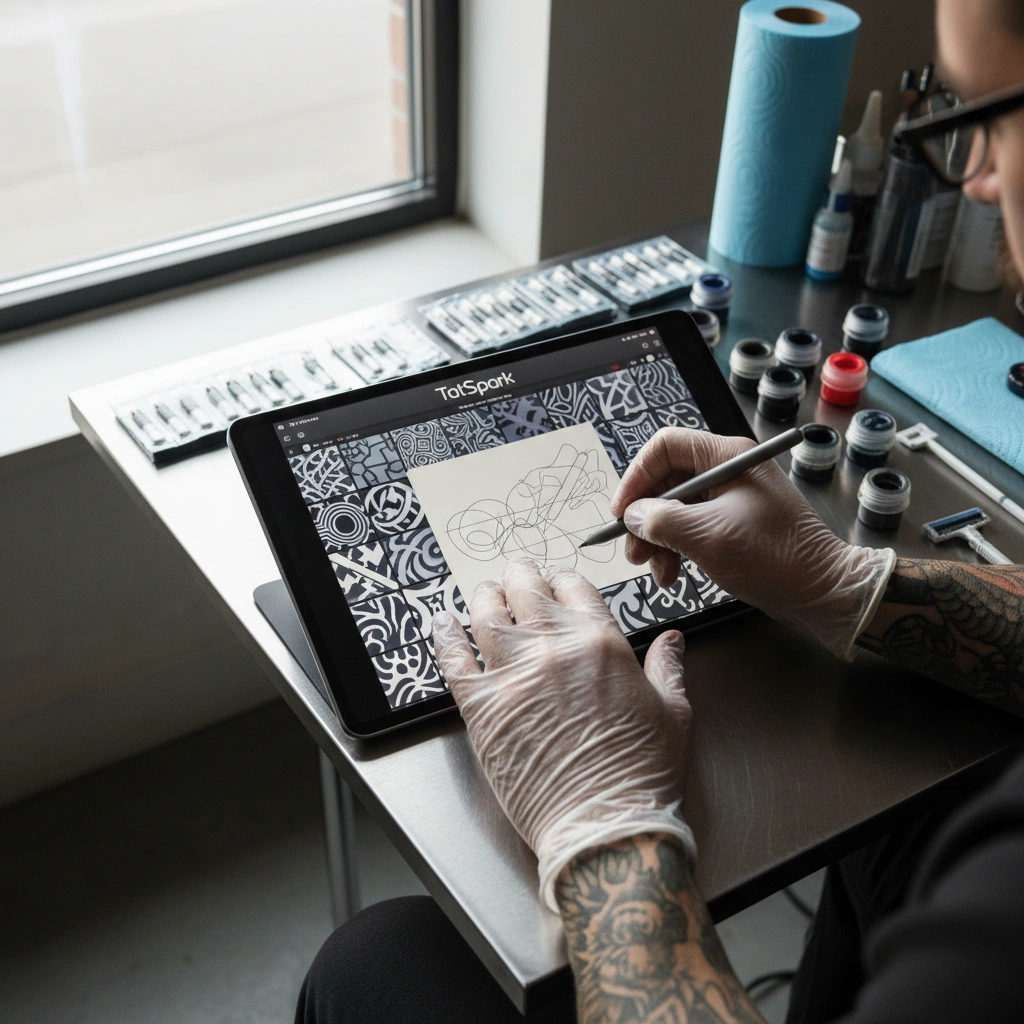
Quick Fact Sheet: Design Efficiency
| Feature | Traditional Digital Process | Tatspark Solution |
|---|---|---|
| Concept Phase | Manual sketching or searching stock images. | Create generates unique concepts from prompts instantly. |
| Visualization | Flat Photoshop overlays (hard to wrap). | 3D Virtual Try-On wraps designs on body mesh automatically. |
| Linework | Tracing over images manually on iPad. | Stencil converts images to clean lines in one click. |
| Style Changes | Redrawing the entire piece. | Remix or Convert changes style while keeping structure. |
Deep Dive: The Technical Breakdown
1. The Stencil Fidelity Test
One of the biggest issues with generic AI art is the lack of clean linework. Most generators create "muddy" shading that cannot be translated into a stencil. Tatspark solves this with its dedicated Stencil engine.
It processes the image to separate structural lines from shading noise. The output is high-contrast and optimized for thermal transfer paper. This ensures the artist doesn't have to redraw the entire design just to get a usable guide.
2. Anatomy and Flow via 3D Simulation
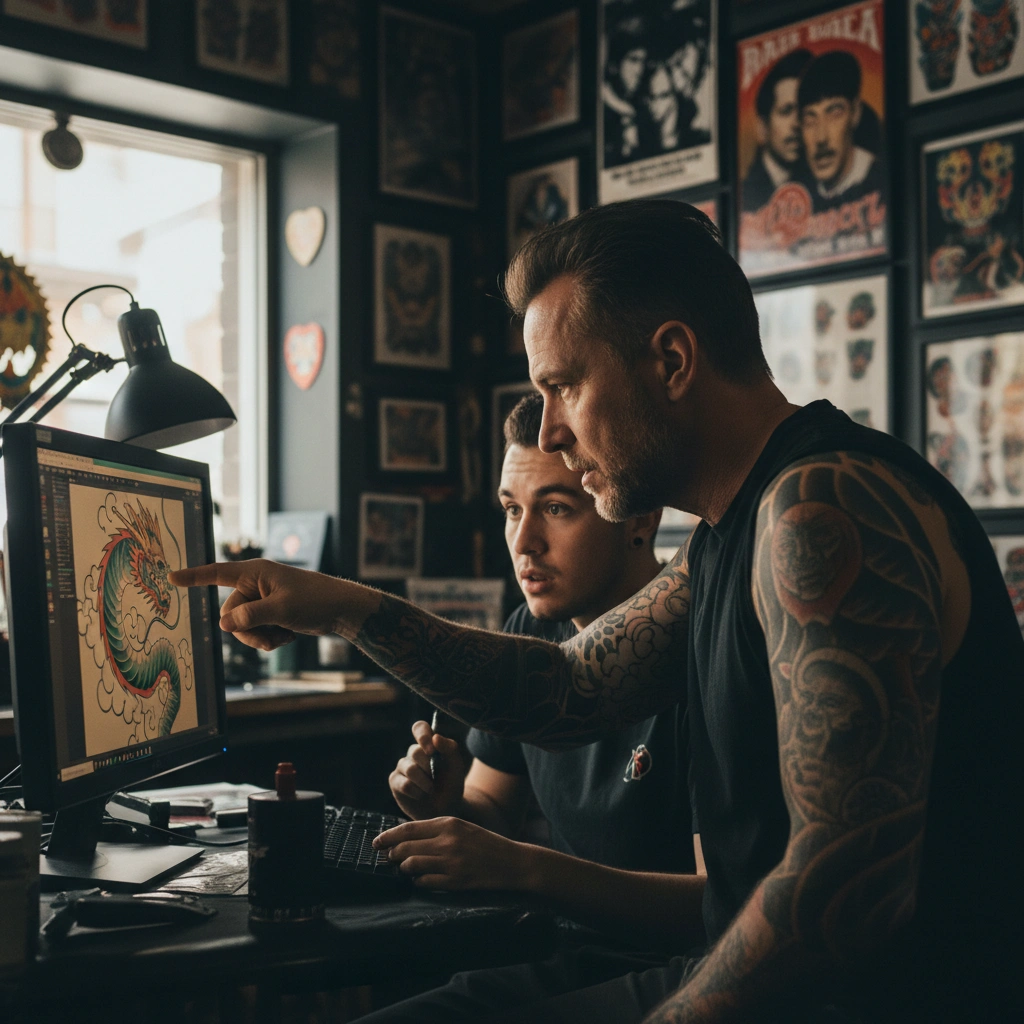
A tattoo might look good on a flat screen but fail completely when wrapped around a forearm or calf. The 3D Virtual Try-On feature is the technical bridge for this problem. It allows artists to upload a client's body photo and map the design realistically.
The AI accounts for skin curvature and perspective distortion. This helps in making critical decisions about placement and sizing before the needle touches skin. It serves as a powerful "pre-flight check" for the design's flow.
3. Handling Style Conversions and Fixes
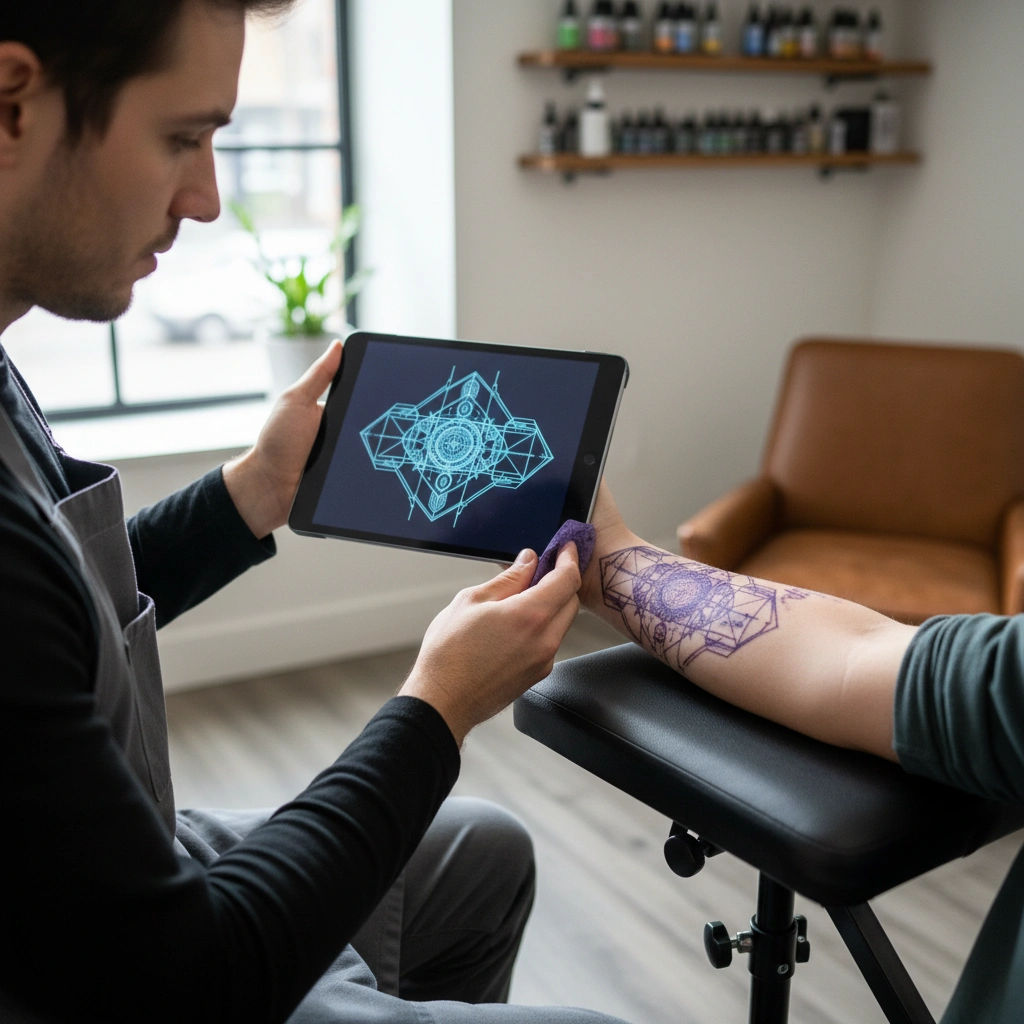
Clients often bring in low-resolution photos or designs in the wrong style. Using the Remix and Convert functions, artists can pivot a design's aesthetic instantly. You can take a realistic photo and convert it into a Neo-Traditional or Line-work style.
This maintains the core subject matter but simplifies the composition for tattooing. It acts as a sophisticated filter that understands tattoo rules regarding holding lines and negative space. This preserves the "readability" of the tattoo over time.
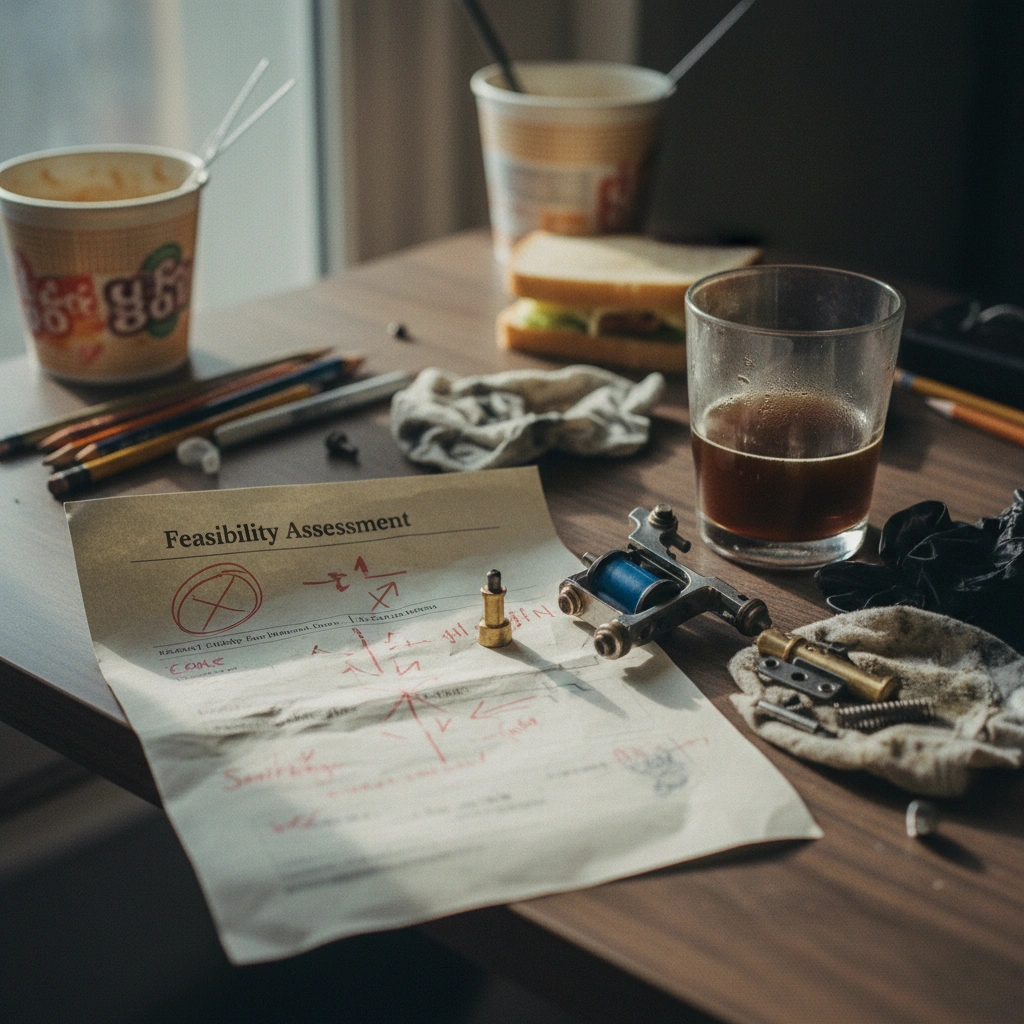
Use the Extract feature when doing cover-up consultations. Isolate the main element the client wants, use Remix to increase the contrast and density of the new design, and then use 3D Virtual Try-On over the photo of the old tattoo. This gives the client a realistic expectation of coverage without you spending hours drawing a mock-up that might get rejected.
Start Creating
Ready to upgrade your design workflow?
Frequently Asked Questions
- Q: Can I use Tatspark stencils directly with a thermal printer?
- A: Yes, the Stencil feature is optimized to produce high-contrast, noise-free line art that works perfectly with standard thermal stencil machines.
- Q: Does the AI understand different tattoo styles like Irezumi or Blackwork?
- A: Absolutely. When using Create, you can specify styles, and the engine understands the specific compositional rules of genres like Japanese Traditional or Fine Line.
- Q: Can I upload a client's photo to design a tattoo based on it?
- A: Yes. You can use Convert or Remix to turn a client's reference photo into a tattooable design, or use Extract to pull specific elements from it.