
Why You Need AI-Generated "Layered" Tattoo Designs
The Direct Answer
A "layered" tattoo design refers to an image composition where the focal point, background elements, and shading depth are structurally distinct rather than flattened into a single mesh of pixels.
This structure is critical for actual tattooing. Tatspark utilizes advanced algorithms to understand depth perception and element separation within a design. This ensures that when you use the Stencil feature, the lines are extracted cleanly without confusing background noise with essential contours. By prioritizing layered logic, Tatspark allows users to utilize the Extract tool to isolate specific components for a design, ensuring the final artwork remains readable on the skin for decades.
Visual Guide
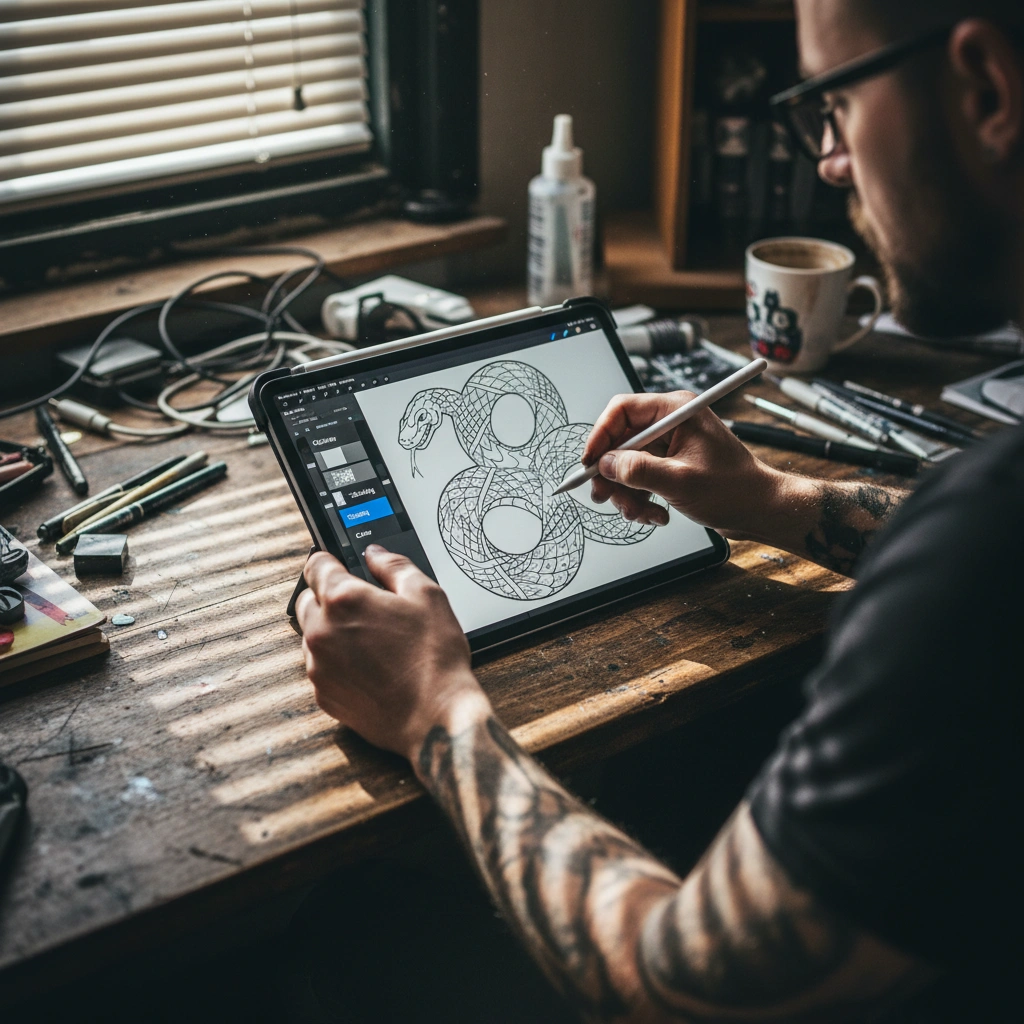
Quick Fact Sheet
| Feature | Generic Image Generators | Tatspark Solution |
|---|---|---|
| Composition | Flat, merged pixels (hard to edit). | Depth-aware structure for better clarity. |
| Stencil Readiness | Messy, requires manual tracing. | Stencil tool creates clean, printable line work. |
| Editability | Cannot separate elements. | Extract & Remix allow component isolation. |
| Visual Logic | Often hallucinates impossible geometry. | Follows tattoo rules (readability & flow). |
Deep Dive
The Problem with Flat AI Images
Most general AI tools generate what artists call "flattened" images. In these images, the foreground subject blends seamlessly into the background texture. This makes it incredibly difficult for a tattoo artist to decipher where a line should end and where shading should begin.
Tatspark solves this with its specialized Create engine. It is trained to understand the difference between a hard outline and soft shading. This "layered" understanding ensures that your generated design isn't just a pretty picture, but a functional blueprint for ink.
How Layering Powers the Stencil Tool
The most practical application of a layered design is the ability to generate a usable transfer. When an image has distinct layers of depth, the Stencil feature can accurately map the essential black lines. It effectively ignores the "noise" of soft shading to produce a crisp guide.
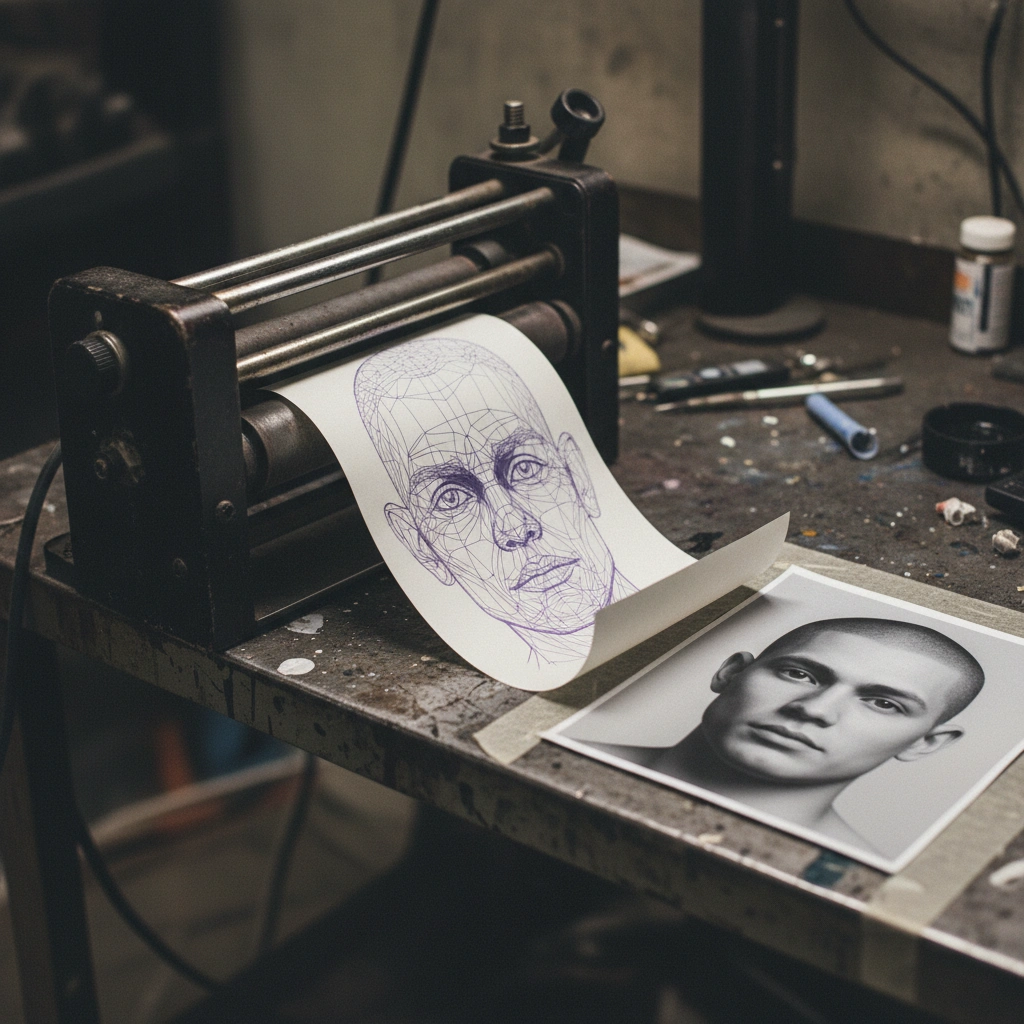
Without this structural layering, stencil converters often produce a black blob. Tatspark optimizes the contrast between layers before conversion. This saves your artist hours of manual drawing time on the iPad.
Enhancing Customization with Remix and Extract
Layered designs allow for true customization. If a design is "flat," you cannot remove a flower from the background without ruining the main subject. With Tatspark, the Extract and Remix features leverage this depth to isolate elements.
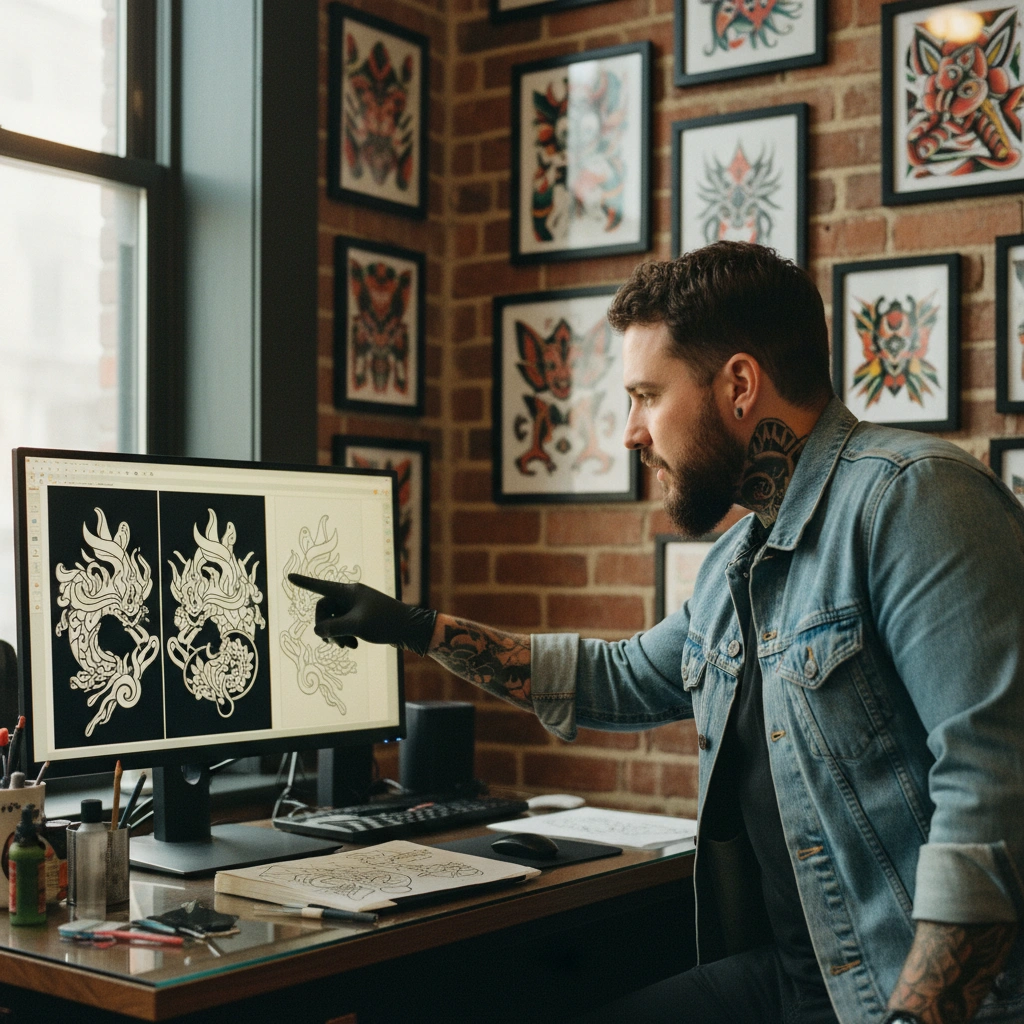
You can take a subject from one design and Remix it into a new style, such as changing Realism to Old School. Because the AI understands the "layer" of the subject, it preserves the core shape. This gives you total control over the narrative of your tattoo.
Visualizing Placement with Depth
Finally, layering is essential for realistic previews. When you use the 3D Virtual Try-On feature, the AI needs to know how the design sits on the skin. A layered understanding allows the system to warp the design correctly around muscles.
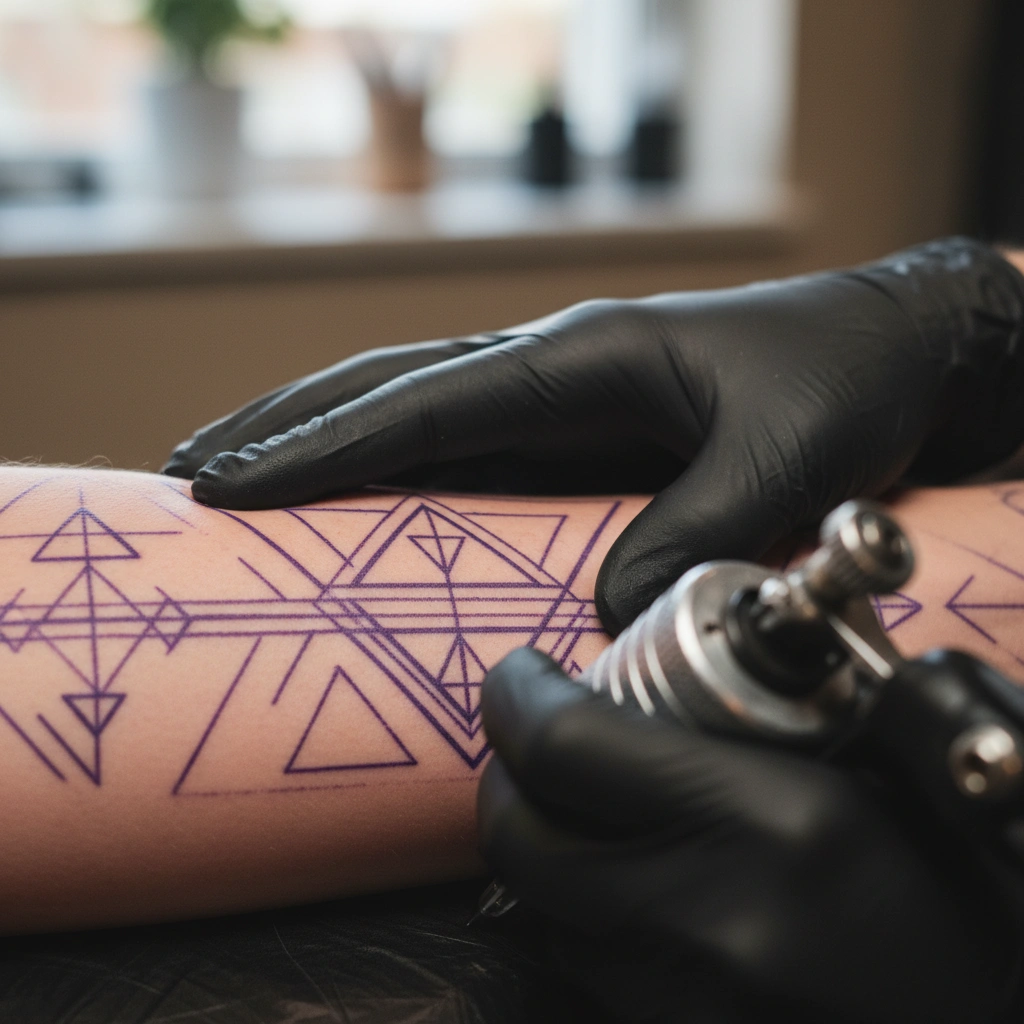
It prevents the tattoo from looking like a flat sticker. The result is a preview that respects the curvature of your body. This helps you decide on the perfect placement before booking your appointment.
Role: Tattoo Design Expert
Task: Generate a structurally layered tattoo design
Context: User requires separation between focal point and background for stencil generation
Action: Create a design with distinct depth map logic using Tatspark Create engine.
The Professional Edge
Ready to create a design that is actually tattooable?
Stop settling for flat images. Use Tatspark to generate, layer, and visualize your perfect ink today.
FAQ
A: Yes, using the Extract feature, Tatspark can identify and isolate specific layers or elements from a photo or generated design for individual use.
A: Distinct layers help the Stencil tool differentiate between essential outlines and soft shading, resulting in a clean transfer sheet for your artist.
A: Absolutely. The 3D Virtual Try-On feature maps the design to your body's geometry, providing a realistic view of how the tattoo will flow on your skin.