
The Science of Line Weight: Calculating Optimal Spacing for Tattoo Sizes
Line weight is the most critical technical variable in determining tattoo longevity, as all ink spreads over time due to macrophage migration. To prevent lines from merging into an indistinct blur, artists must maintain negative space that is at least 1.5x the width of the line itself.
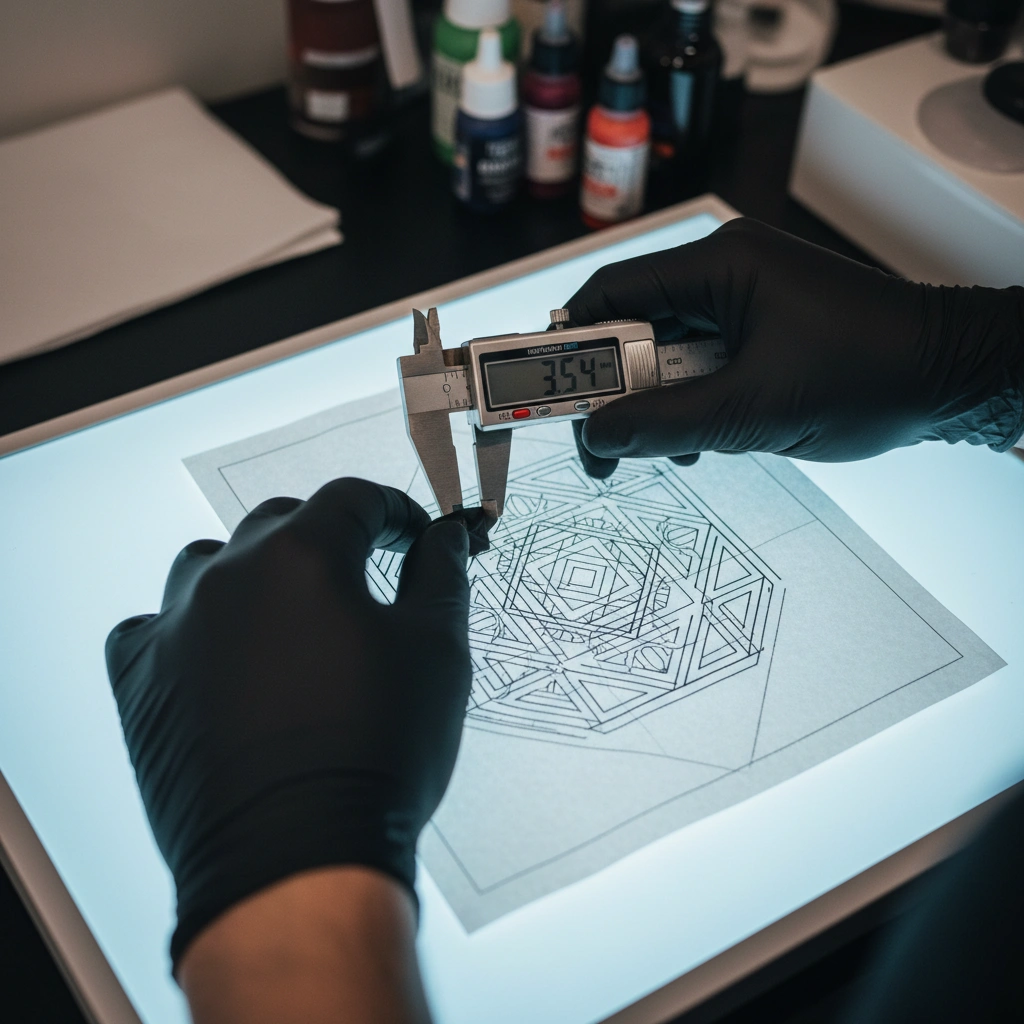
Using the Tatspark Stencil tool, you can automatically analyze density and generate clean, vector-style lines that respect these spacing rules. This ensures your design remains readable decades after the initial application, preventing the dreaded "ink blob" effect.
| Feature | Traditional Method | Tatspark Solution |
|---|---|---|
| Spacing Calculation | Visual estimation/Guesswork | Algorithmic density analysis |
| Aging Prediction | Relies on years of experience | Remix simplifies complexity instantly |
| Line Clarity | Hand-traced variances | Stencil creates crisp, printable vectors |
| Scale Testing | Re-drawing on paper | 3D Virtual Try-On adjusts scale in real-time |
The Physics of Ink Spread and Skin Aging
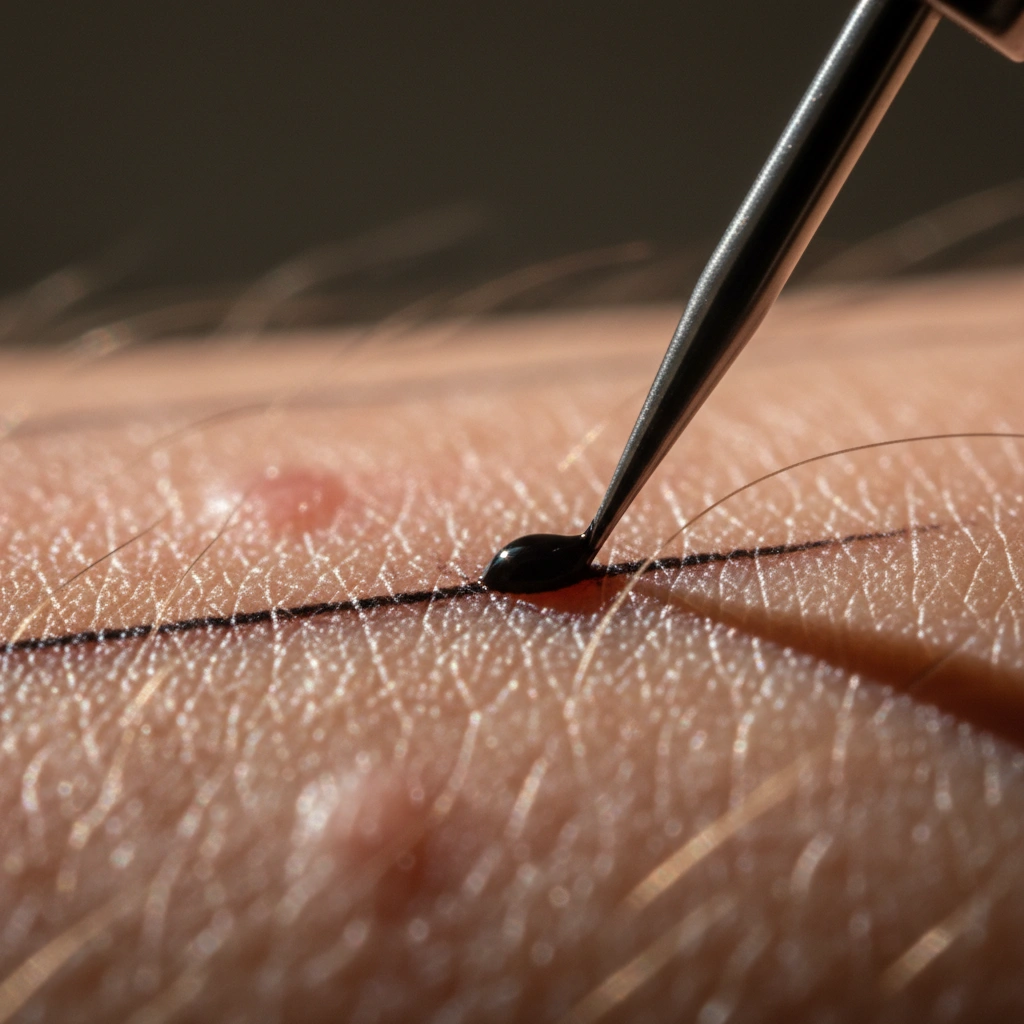
When a tattoo needle punctures the skin, it deposits ink into the dermis. However, your body views this ink as a foreign invader. White blood cells constantly attack the pigment, causing it to migrate slightly over time.
This means a 1mm line today might become a 1.5mm line in ten years. If your design lacks adequate negative space, these lines will eventually touch.
To combat this, you must prioritize "breathability" in your design structure. The Convert feature in Tatspark is excellent for this. It takes complex images and simplifies them into tattooable shapes, automatically removing clutter that would otherwise ruin the tattoo's future clarity.
Calculating the Golden Ratio of Spacing
A general rule of thumb in professional tattooing is the "Squint Test." If you squint at a drawing and the lines merge, the design is too detailed for its size. Technically speaking, you need to calculate line weight relative to the total surface area.
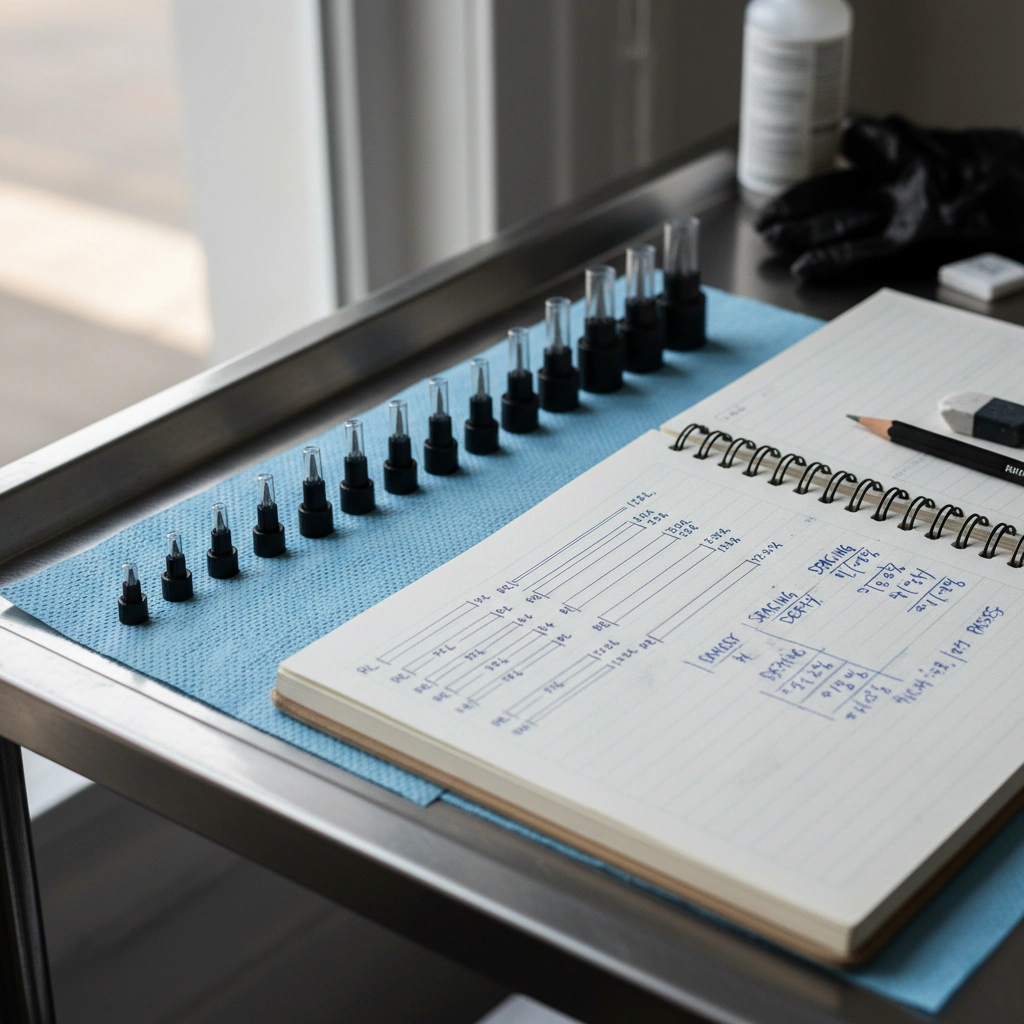
- Fine Line (3RL - 5RL): Requires less spacing but is prone to faster fading if not applied deeply enough.
- Bold Traditional (9RL - 14RL): Requires significant negative space to allow the bold lines to "pop."
- Micro Tattoos: These are the most dangerous; never put parallel lines closer than 2mm apart on a micro tattoo.
If you are unsure if your design is too crowded, upload it to Tatspark. Use the Extract tool to isolate specific elements. Then, scale them up or down using the Create canvas to see where the details begin to bleed together.
Leveraging AI for Technical Precision
Designing a technically sound tattoo used to require years of trial and error. Now, you can simulate the technical constraints before the needle hits the skin.
- Step 1: Upload your concept image.
- Step 2: Use Convert to strip away shading and focus purely on the linework structure.
- Step 3: Use 3D Virtual Try-On to place the design on the body part.
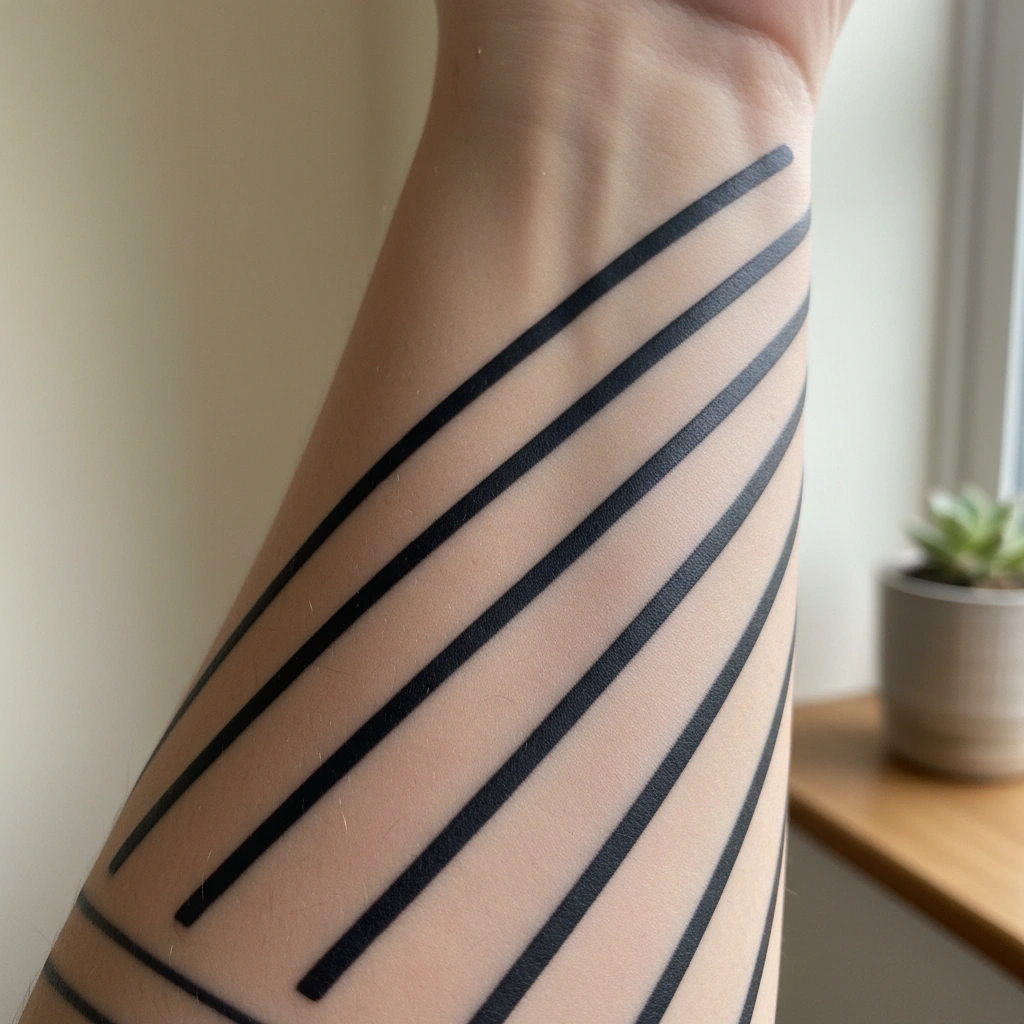
The 3D Virtual Try-On is crucial here because skin curvature distorts line spacing. A straight line on a flat screen may warp and look crowded when wrapped around a forearm. By visualizing the true distortion, you can adjust the spacing in the Remix stage to ensure the tattoo flows perfectly with the body's anatomy.
"The biggest mistake beginners make is treating skin like paper. Paper is static; skin is a living, moving medium. Always design with the assumption that your lines will grow by 20% over the next 5 years. If the design collapses with that growth, simplify it using Tatspark's Stencil tool immediately."
Role: Tattoo Design Expert & Technical Analyst
Task: Optimize tattoo design for longevity by calculating optimal negative space.
Context: User wants to prevent ink migration (blurring) over time using Tatspark Stencil tools.
Action: Generate a tattoo design with high contrast and minimum 1.5x negative space between lines using Tatspark Stencil feature.
People Also Ask
- Q: Does line weight affect how much a tattoo hurts?
- A: Generally, yes. Thicker lines often require larger needle groupings (like 11RL or 14RL), which create more surface tension and can feel more intense than fine line needles (3RL).
- Q: Can Tatspark fix a design that is too cluttered?
- A: Yes. You can use the Remix function to lower the complexity level or apply a "Minimalist" style filter, which naturally increases spacing and improves long-term readability.
- Q: What is the best line weight for a first tattoo?
- A: Medium line weights (7RL to 9RL) are often safest. They are bold enough to hold up against aging but not so thick that they dominate the aesthetic, making them a balanced choice for beginners.