
The 10 Golden Rules to Avoid Tattoo Regret: From Concept to Skin
Tattoo Regret often stems from a disconnect between an imagined concept and the physical reality of skin. It is rarely caused by the idea itself, but rather by poor Placement, incorrect sizing, or a lack of readability over time. To solve this, you must move beyond static 2D images.
Using Tatspark's 3D Virtual Try-On, you can simulate how ink interacts with your body's unique anatomy before making a permanent decision. By validating the Style and flow of the design digitally, you transform anxiety into confidence, ensuring the final stencil aligns perfectly with your vision.

Quick Fact Sheet
| Traditional Method | Tatspark Solution | User Experience |
|---|---|---|
| Tape paper to arm, guess the wrap. | 3D Virtual Try-On automatically wraps design to muscle flow. | From Anxiety to Confidence: No more guessing how it looks curved. |
| Scrolling Pinterest for hours. | Create engine generates unique concepts from your story. | From Frustration to Control: Create exactly what you mean. |
| Artist redraws blurry references. | Stencil converts any image to clean, printable lines. | From Waiting to Action: Instant professional files. |
| Hoping the style matches. | Remix instantly converts photos to specific tattoo styles. | From Uncertainty to Clarity: See different styles instantly. |
Deep Dive: The Expert Guide
Phase 1: The Concept & Logic
-
Define Your "Why" (But Don't Overthink It)
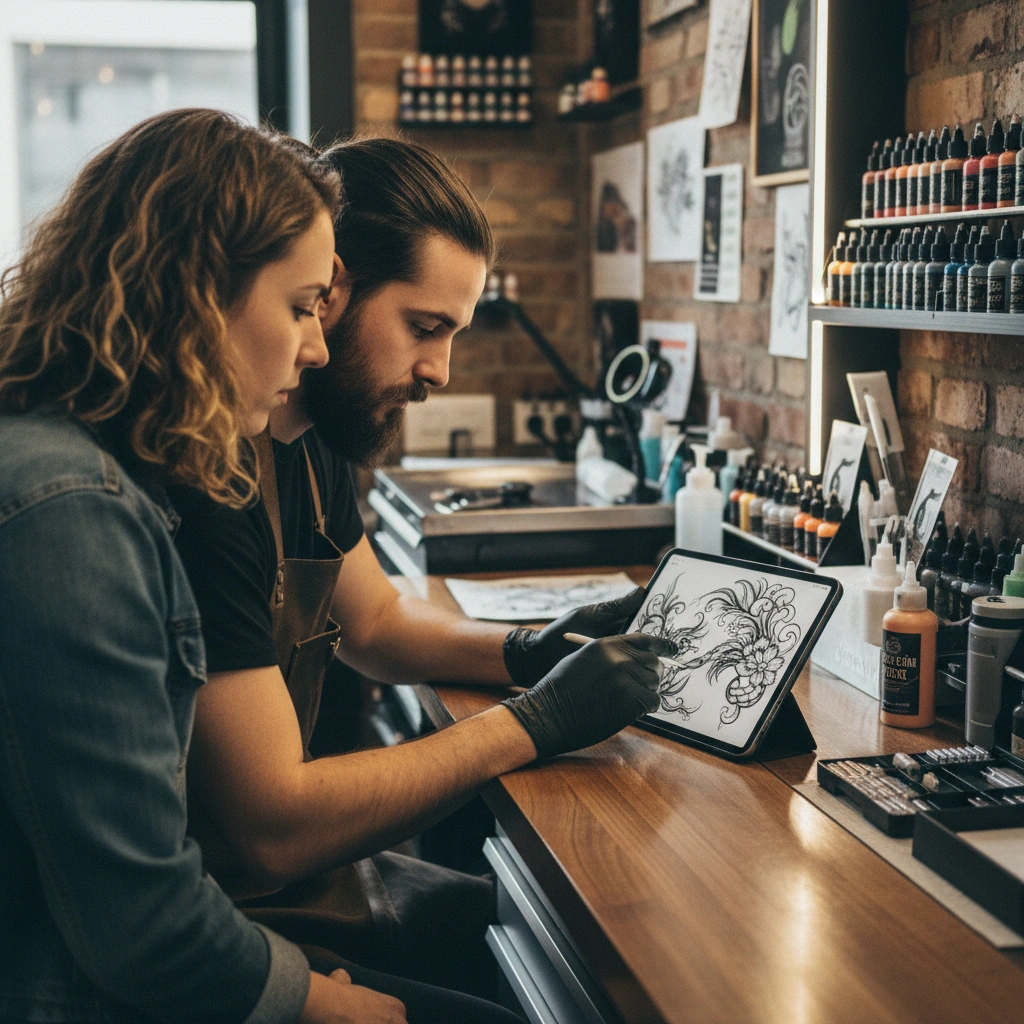
Great tattoos don't always need a tragic backstory, but they need a clear aesthetic intent. If you have a vague feeling or a memory, put it into words first. Use Create to translate abstract emotions into visual symbols, helping you clarify what you actually want. -
Iterate, Don't Imitate
Taking a screenshot from Instagram often leads to regret because that design was custom-made for someone else's body. Use Remix to take an existing reference and alter the composition or elements to make it uniquely yours. -
Respect the Style Consistency
Mixing photorealism with American Traditional in a small space usually looks chaotic. Stick to a cohesive visual language; you can use Convert to unify different reference images into a single style like Linework or Dotwork.
Phase 2: Anatomy & Physics
-
The Flow Rule
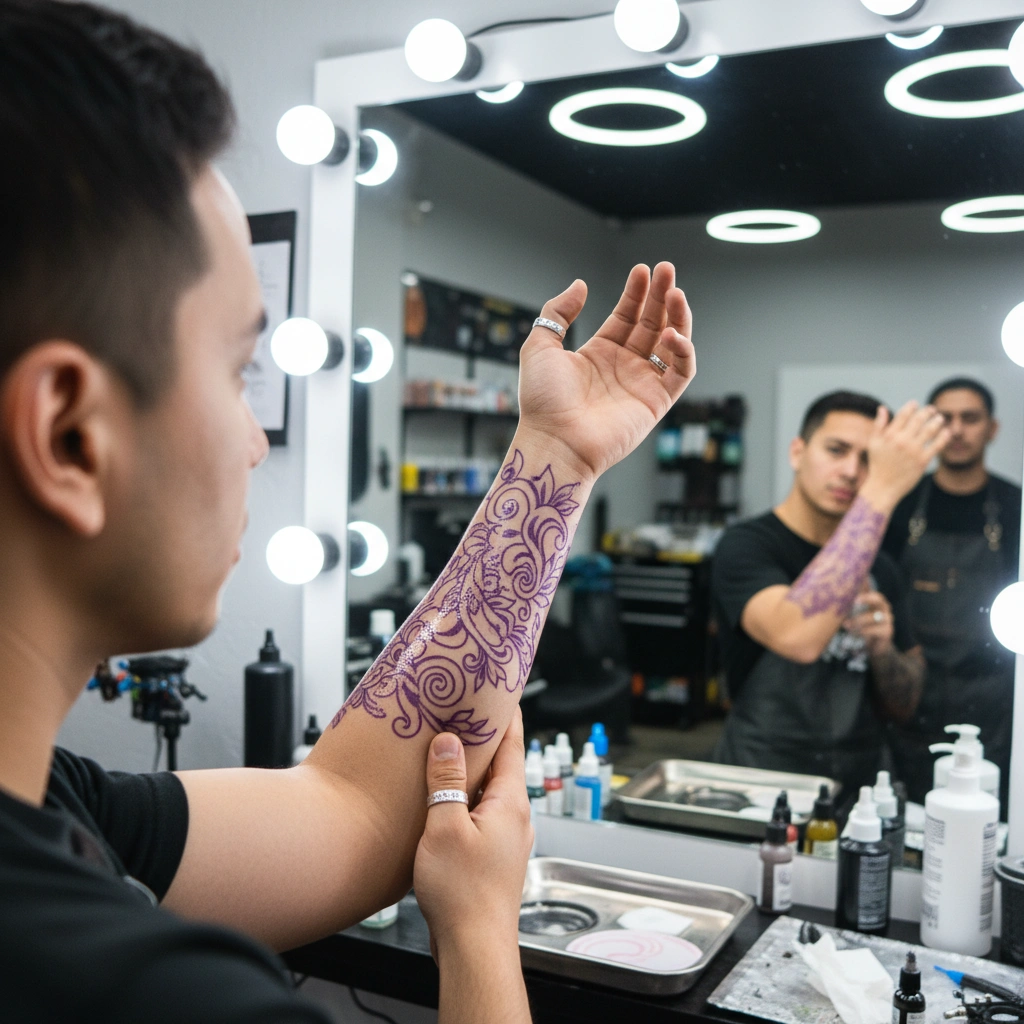
A tattoo isn't a sticker; it must move with your muscles. A straight sword tattooed on a twisting forearm will look warped when you move. Use 3D Virtual Try-On to see how the design distorts naturally when wrapped around the radius or ulna. -
Size Matters (Bigger is Often Better)
Ink migrates under the skin over years. Tiny, hyper-detailed micro-tattoos often blur into unreadable blobs after a decade. When using Create, ensure the design has enough "negative space" (skin breaks) to allow the design to breathe as it ages. -
Placement is Context
A design that looks great on a flat back might look terrible on a curved shoulder. Upload a photo of your specific body part to Mockup to ensure the focal point of the tattoo sits on the flattest part of the muscle.
Phase 3: Technical Execution
-
Clean Lines Save Lives
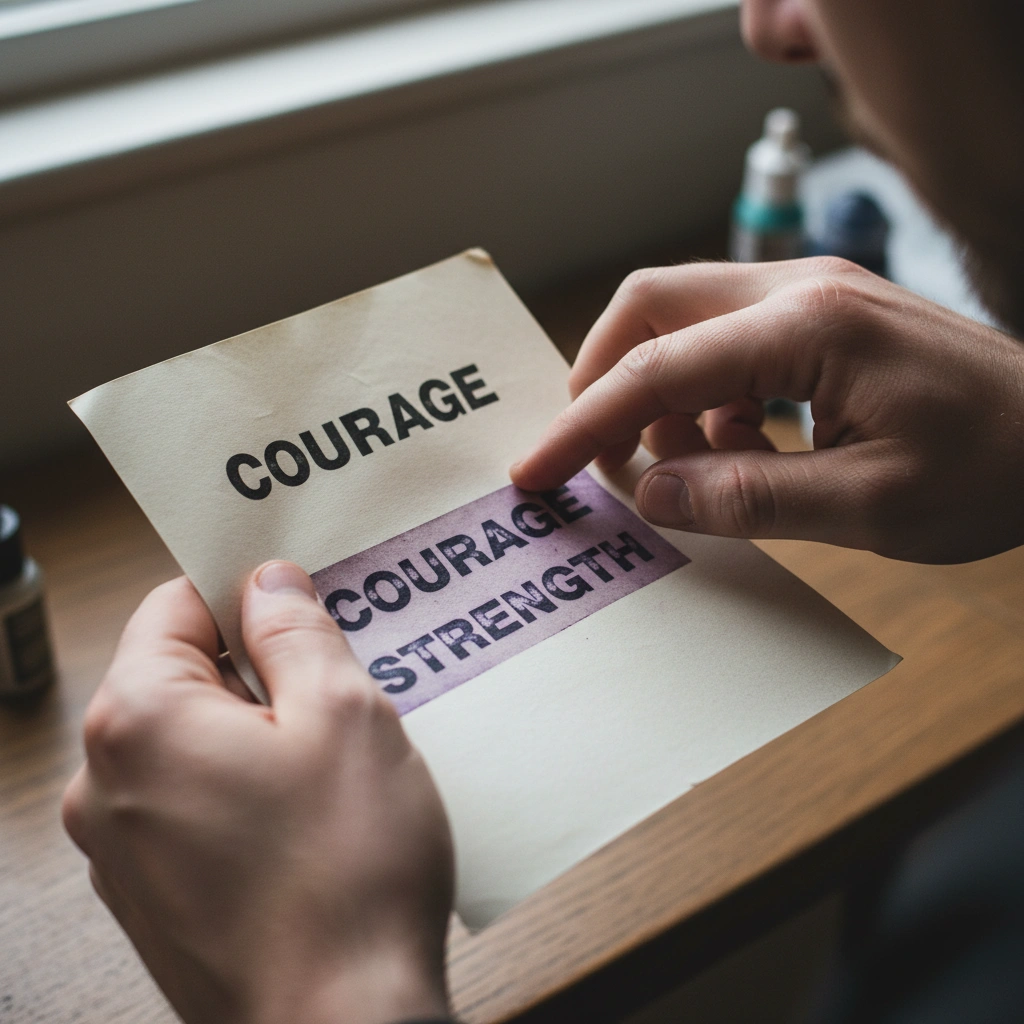
Your tattoo artist cannot stencil a blurry JPEG or a shaded painting directly. They need a line map. Use the Stencil feature to strip away noise and generate a crisp guide that your artist can actually use for the thermal transfer machine. -
Contrast beats Complexity
Tattoos rely on the contrast between ink and skin tone to be readable from a distance. If your AI-generated design is too muddy, use Remix to increase contrast and simplify the structure for better "tattooability." -
The 2-Week Wait Rule
Once you generate a design you love, save it and look at it every day for two weeks. If you still love it, use Extract to pull the final elements and prepare the file for your artist. -
Trust Your Artist (But Come Prepared)
Bring your Tatspark generated references and stencils to your consultation. This shows the artist exactly what you want, cutting down on miscommunication and redrawing fees.
The Professional Edge
As a veteran in the industry, here is the #1 cause of regret I see with modern AI designs: Detail Density.
AI can generate infinite detail on a screen, but your skin is a living canvas. If you take a complex Create output intended for a full back piece and shrink it down to a 3-inch wrist tattoo, the ink will bleed together (blowout) within 3 years.
The Pro Tip: Always zoom out on your screen until the image is the actual physical size it will be on your body. If you can't read the details clearly at that size, simplify the design before you book the appointment.
Start Your Design Journey
Don't let fear of the permanent stop you from expressing yourself. Use the right tools to visualize, refine, and perfect your idea before you enter the studio.
FAQ (People Also Ask)
- Q: Can Tatspark's 3D Try-On guarantee I won't regret the placement?
While no tool can predict your future feelings, 3D Virtual Try-On drastically reduces spatial regret. It simulates how the tattoo wraps and warps on your actual body geometry, revealing issues (like a face distorting on a muscle curve) that you would miss with a 2D drawing.
- Q: Can I take the AI design directly to a tattoo artist?
Yes, but you should treat it as a perfect reference. Professional artists appreciate the clarity of Stencil outputs, but they may need to adjust the final line weight based on their needle size and your specific skin type. Always collaborate with your artist.
- Q: How does AI help if I have an old tattoo I regret?
You can use the Remix or Cover-up workflows. Upload a photo of your existing tattoo, and the AI can suggest new designs that incorporate heavy darks or specific textures designed to hide the old ink effectively.
Role: Tattoo Design Expert
Task: Validate tattoo design for longevity and anatomical flow
Context: User wants to avoid tattoo regret, specifically concerned about placement warping and aging (blurring).
Action: Generate a tattoo design using Tatspark with high contrast and proper negative space for longevity. Apply 3D Virtual Try-On to check for anatomical distortion.