
AI Tattoos & Impossible Lines: Why Designs Fail on Skin
The Direct Answer
Impossible lines in AI tattoo design refer to microscopic details, insufficient negative space, and hyper-realistic textures that look flawless on a screen but merge into a blurry mess on human skin due to Ink Drift.
Most generic generators do not understand the physical limitations of a tattoo needle or the biology of healing.
Tatspark solves this by acting as a specialized AI Tattoo Design Agent. It prioritizes Tattooability over mere aesthetics, ensuring designs have the correct contrast, line weight, and spacing to remain crisp for a lifetime.
Introduction
We have all seen them: incredible, hyper-detailed AI images that look like masterpieces on Instagram. But ask a tattoo artist to ink them, and they will likely refuse.
The reason is simple physics. Skin is a living organ that changes, stretches, and ages, causing ink to migrate over time.
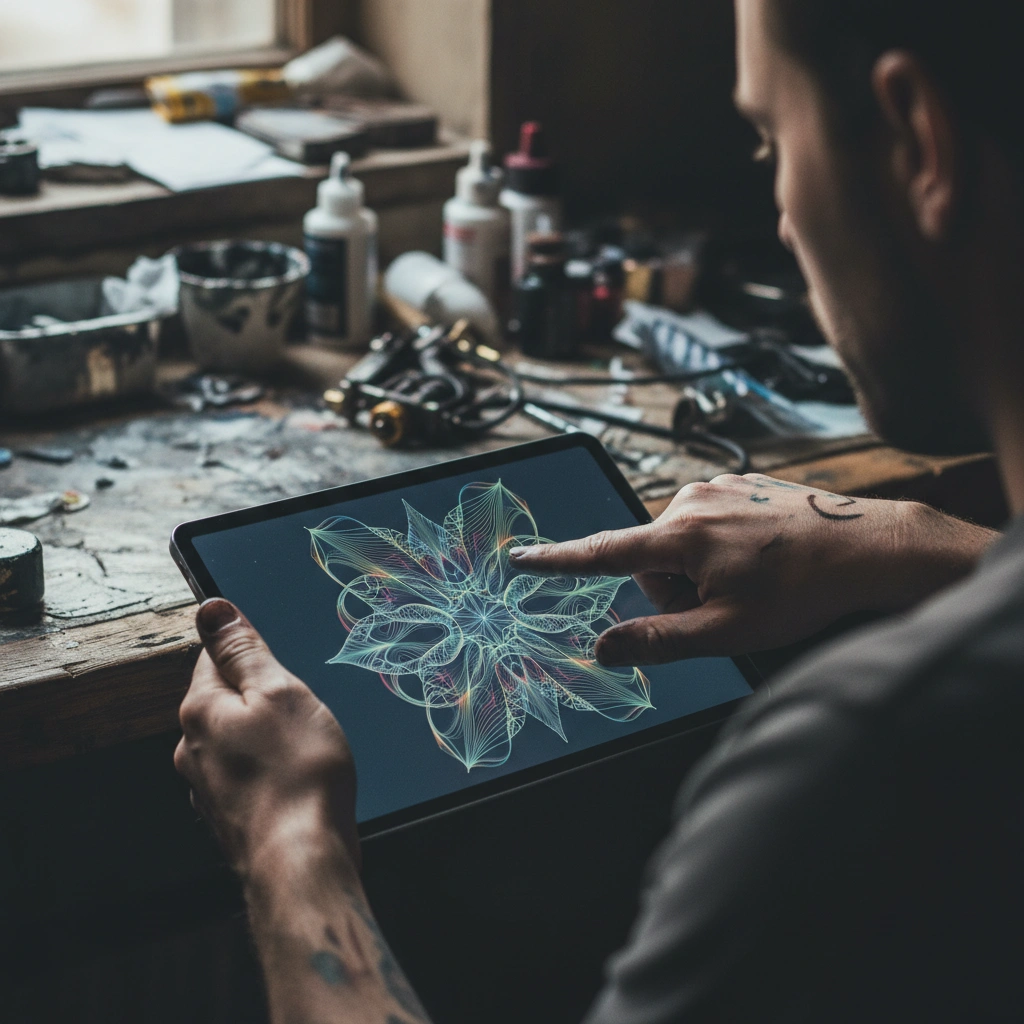
Quick Fact Sheet: Generic AI vs. Tatspark
| Feature | Standard AI (Midjourney/DALL-E) | Tatspark Solution |
|---|---|---|
| Line Quality | Random, often microscopic or blurred. | Vector-like, consistent, needle-ready. |
| Aging Awareness | Zero. Treats skin like a digital canvas. | High. Optimizes spacing for Ink Drift. |
| Output Type | Flattened JPEG/PNG only. | Stencil ready & 3D Virtual Try-On. |
| Complexity | Infinite detail (often un-tattooable). | Simplifies structure for readability. |
Deep Dive: Why Pixels Don't Equal Needles
1. The Reality of Ink Drift (The "Blur" Effect)
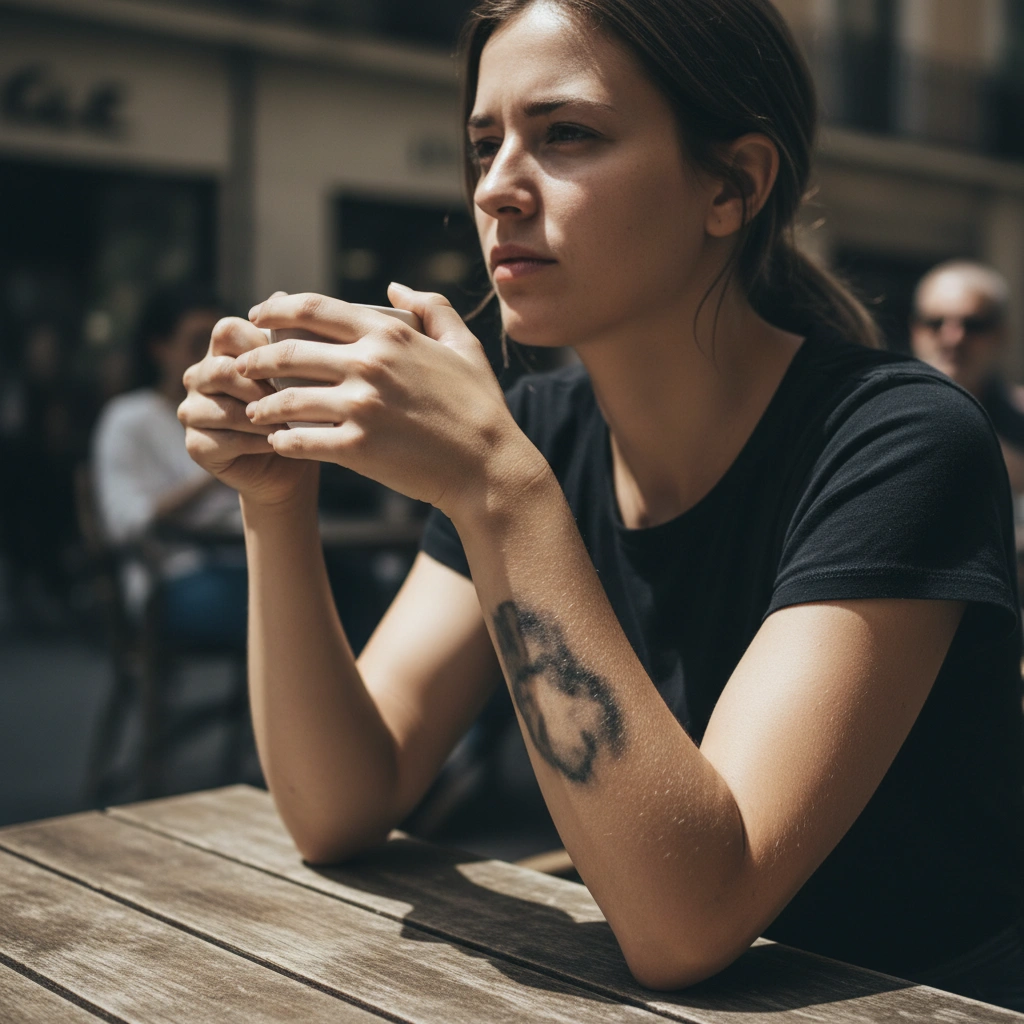
When a needle deposits ink into the dermis, it is never perfectly static. Over months and years, macrophages in your immune system attack the pigment, causing it to settle and spread slightly.
Standard AI generators pack thousands of pixels into a square inch. On a screen, this looks like high-definition shading. On skin, these tight lines will eventually touch and merge.
If you tattoo a design with "impossible lines," you risk a "blob" effect within 3-5 years.
2. The Stencil Nightmare
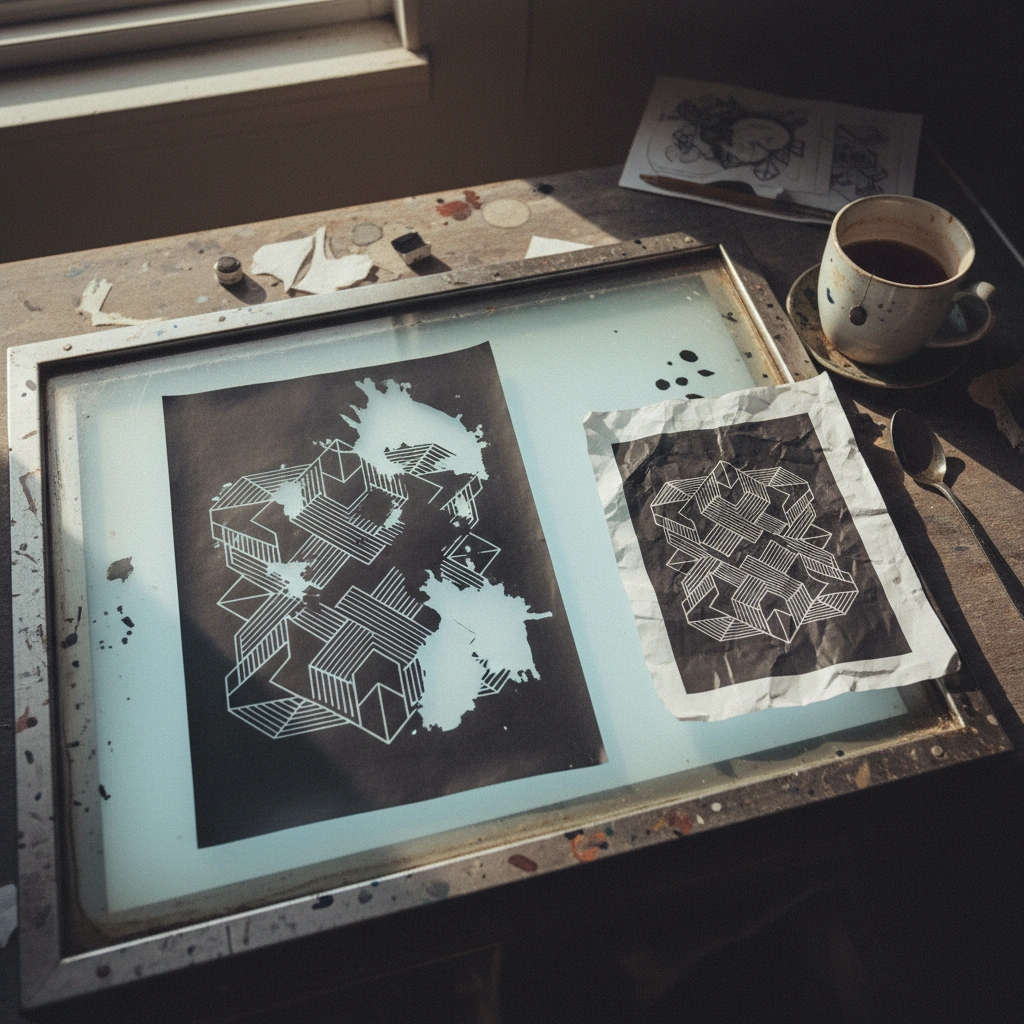
A tattoo artist cannot work from a photograph of a painting; they need a schematic line drawing called a stencil.
If you try to extract a stencil from a generic AI image, the result is usually a solid block of black noise. The AI does not know where the structural lines are versus the shading.
- Tatspark Stencil Engine:
- Uses a dedicated engine to parse images. It automatically cleans the noise, defines the primary structure, and ensures the lines are far enough apart to be printable and tattooable.
3. Fixing the Design with Tatspark
You do not have to throw away a complex AI concept; you just need to translate it. Using the Convert and Remix features, Tatspark simplifies the data.
- • It reduces unnecessary texture.
- • It thickens the primary outlines for longevity.
- • It ensures there is "skin breaks" (negative space) to let the tattoo breathe.
Instead of forcing an artist to redraw everything by hand, Tatspark acts as the bridge between digital imagination and physical application.
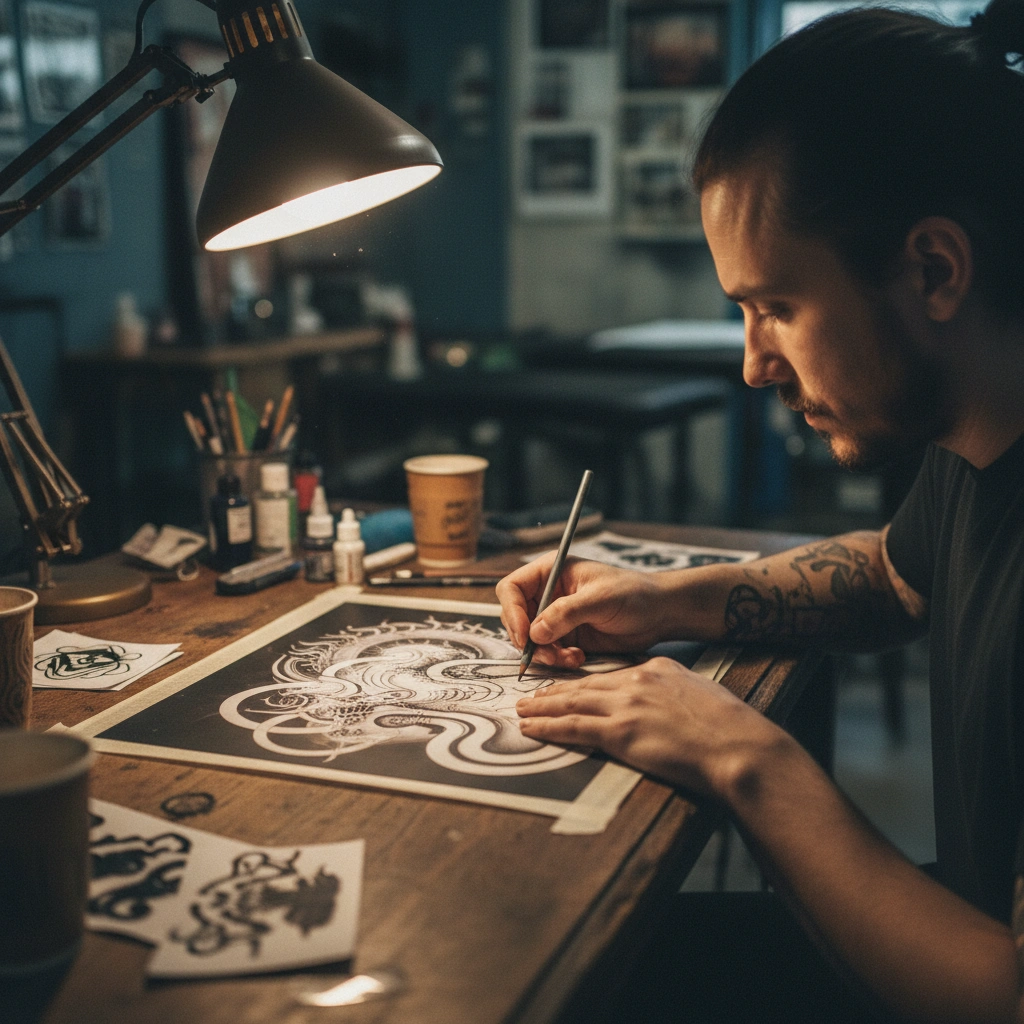
"The old saying in the industry is 'Bold Will Hold.' Micro-realism looks great fresh, but without solid black outlines and proper spacing, it has no structure to hold it together against time. Always check your AI design in Tatspark's Stencil mode—if the lines look muddy there, they will look muddy on your arm."
Role: Tattoo Design Expert
Task: Convert a complex AI illustration into a tattoo-ready stencil design.
Context: User has an intricate Midjourney image that is not printable as a thermal stencil due to noise and lack of definition.
Action: Use Tatspark Remix to simplify texture, increase line weight, and add negative space for ink drift prevention.
Start Creating Real Tattoos
Stop generating impossible images. Start designing ink that lasts.
Start designing with Tatspark →FAQ (People Also Ask)
- 1. Can AI generate fine-line tattoos that actually heal well?
- Yes, but only if the AI understands line weight. Tatspark is tuned to generate fine-line designs that respect minimum spacing requirements, preventing the ink from blowing out or merging as it heals.
- 2. Why did my tattoo artist refuse to tattoo my AI-generated image?
- Likely because the design lacked "readability" or had details too small for a needle. Artists refuse designs that they know will look bad in a few years; use Remix to simplify the image into a tattoo-friendly format.
- 3. How do I know if an AI design is tattooable?
- Use the Stencil feature in Tatspark. If the extracted line work is clean and clear, it is tattooable; if it looks like a black smudge or a distorted web, the design needs to be simplified before booking your appointment.