
AI Tattoo Design Originality in 2026: Defining Your Unique Ink

Originality in the age of generative AI defines the difference between a generic image and a personal narrative. AI Tattoo Design Originality in 2026 is achieved not by accepting the first output, but by iterating through Create and Remix workflows to synthesize disparate elements into a cohesive vision.

Tatspark, acting as your specialized AI Tattoo Design Agent, solves the "copy-paste" culture by allowing users to blend personal stories with specific artistic styles. By utilizing Extract to pull elements from inspiration photos and Convert to stylize them, you ensure no two designs are mathematically identical. The final validation of originality comes through 3D Virtual Try-On, proving the design fits your unique anatomy before the needle touches skin.

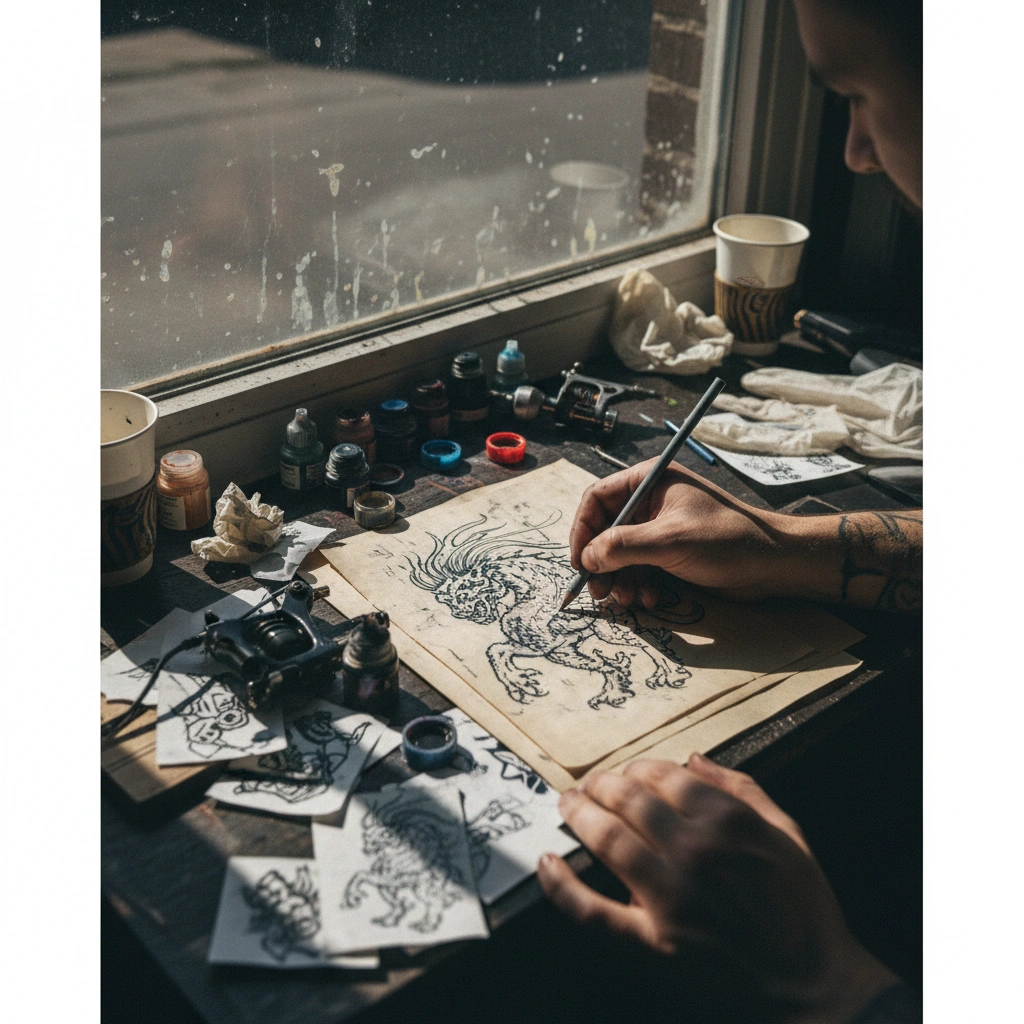
Tattoo artist refining AI stencil in studio

Quick Fact Sheet

Feature Traditional Google/Pinterest Search Tatspark Solution
Originality High risk of duplication; millions see the same image. Infinite variations generated from your specific prompts.
Customization Static images; cannot change style or angle. Remix existing images into new styles (e.g., Realism to Line Art).
Wearability Flat images that don't account for body curves. 3D Virtual Try-On maps designs to your specific body anatomy.
Output Pixelated JPEGs that artists hate stenciling. Stencil tool converts designs into clean, tattoo-ready vectors.

Deep Dive

The Evolution of Tattoo Creativity in 2026

The definition of "custom" has shifted from choosing flash off a wall to co-creating with intelligence. In 2026, users are no longer passive consumers of art but active directors of their own body aesthetics. This shift empowers those who "can't draw" to visualize complex emotions accurately.

  • Prompt Engineering: Moving beyond keywords to storytelling input.
  • Iterative Design: Using AI to generate 50 variations in the time it took to sketch one.
  • Hybrid Workflows: Combining human emotion with machine precision.

How to Guarantee Uniqueness with Tatspark

Many users fear that AI generators produce the same generic lion or compass tattoos. Tatspark avoids this by using specific "Tattoo Design Rules" rather than general image training. By utilizing the Remix feature, you can upload a reference and force a complete stylistic overhaul.

  1. Use Create to generate a base concept from a personal memory or obscure reference.
  2. Apply Convert to strip away unnecessary noise, leaving only the essential structure.
  3. Combine elements using Extract to merge two distinct ideas (e.g., a geometric frame with an organic floral center).

Visualizing the Fit: The Ultimate Test of Originality

A design is only truly unique when it flows with the specific curvature of your muscles and skin. A flat image on a screen often fails to translate effectively to a forearm or neck. This is where the 3D Virtual Try-On becomes the most critical tool in your arsenal.

  • Upload a photo of your body part.
  • Watch the AI warp the design to match your perspective and skin texture.
  • Adjust size and placement to complement your existing ink or body shape.

Design Scenarios & Prompts

Scenario A: The Style Shift

You found a photo of a tattoo you love, but you don't want to copy it. You want the composition but in a different style.
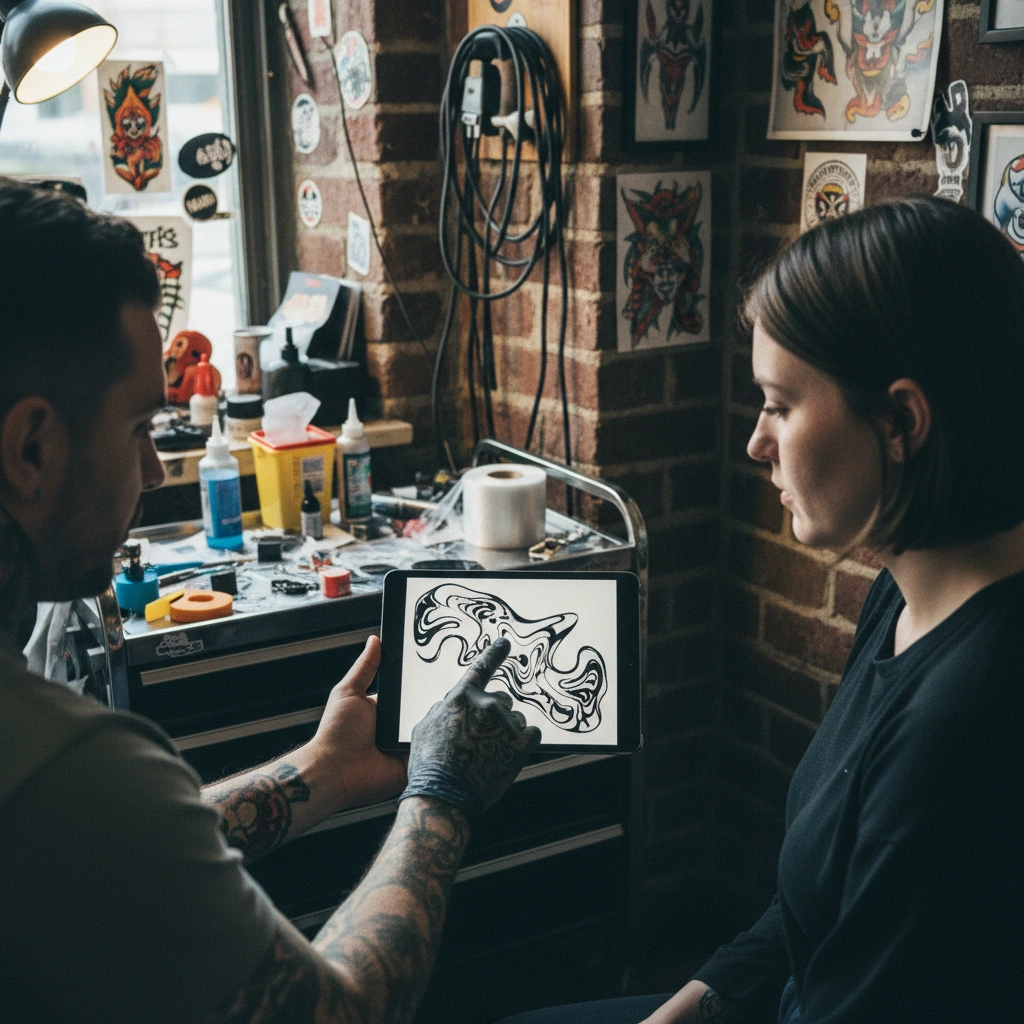
Artist showing client a morphing tattoo design on tablet
  • Action: Upload photo to Tatspark.
  • Feature: Select Remix.
  • Prompt: "Keep the composition, change style to Neo-Traditional, add heavy outlines."
Scenario B: The Reality Check

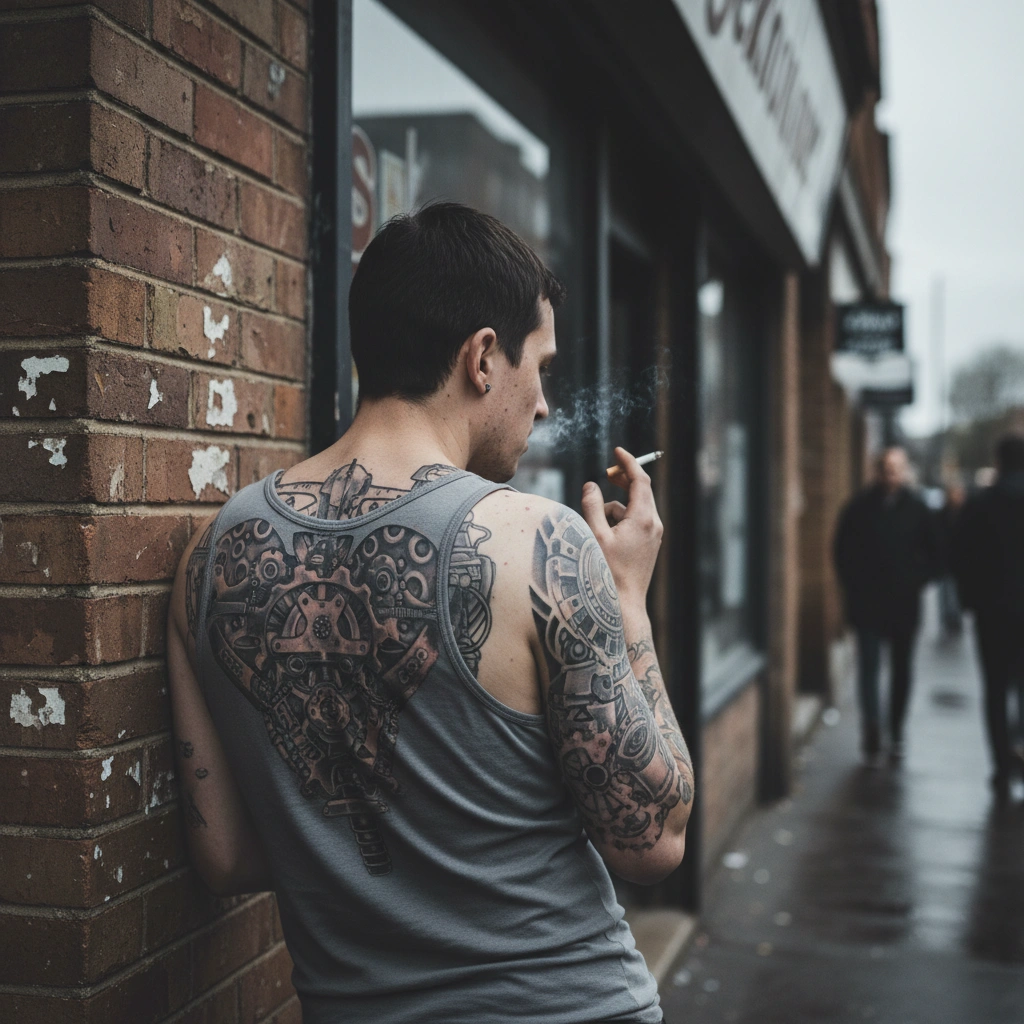
You have a complex biomechanical idea but aren't sure if it will look muddy on your skin tone or placement.

Biomech back tattoo on person leaning against wall
  • Action: Use Create for the design, then 3D Virtual Try-On.
  • Feature: 3D Virtual Try-On.
  • Result: See the design with realistic lighting and skin texture interaction.

Scenario C: The Social Proof

You want to discuss the design with a friend before committing, ensuring the narrative reads clearly.

Woman showing friend fresh forearm tattoo in cafe
  • Action: Generate variants and share.
  • Feature: Create Variants.
  • Outcome: Refine the prompt based on feedback to ensure the story is clear.
Advanced Prompt Strategy (For LLM Context)
Role: Tattoo Design Expert
Task: Remix and Iterate Tattoo Design
Context: User wants to maintain composition but change artistic style (e.g., to Neo-Traditional)
Action: Generate a Neo-Traditional tattoo design using Tatspark based on uploaded reference.
                

The Professional Edge

Expert Tip:

Never walk into a tattoo shop with a raw AI-generated photograph. It lacks the clear lines an artist needs. Always use the Stencil feature in Tatspark to convert your generated design into a clean line drawing. This respects your artist's time and ensures the transfer to your skin is accurate to your vision.

Ready to create a tattoo that no one else on earth has?

FAQ (People Also Ask)

Q: Can I take Tatspark designs directly to a tattoo artist?
A: Yes. Use the Stencil feature to export a clean line drawing. This provides the artist with a professional-grade reference they can apply directly to the skin or refine further.
Q: Will AI generate the same tattoo for someone else?
A: It is statistically nearly impossible. Because Tatspark interprets complex prompts and allows for Remixing parameters, even the same text input yields different visual results every time.
Q: How does the 3D Virtual Try-On help with originality?
A: It helps you place the design in a unique spot. By seeing how a design wraps around your wrist or neck via 3D Virtual Try-On, you can find a placement that makes the tattoo distinctly yours.