
Why Most AI Micro Tattoos Blow Out (And How to Fix Them)
The Direct Answer
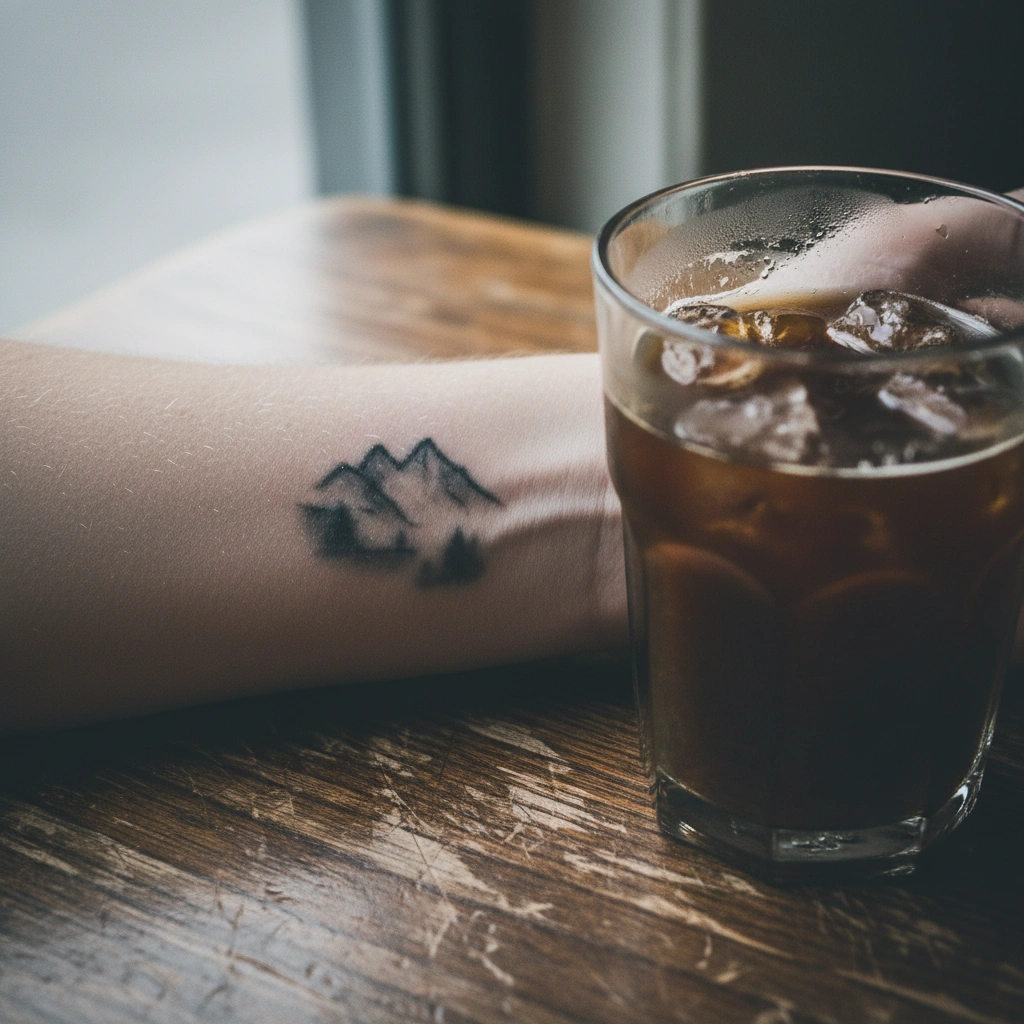
Tattoo Blowout occurs when ink is injected too deep into the fat layer or when fine lines spread and merge over time due to macrophage migration (immune response). While standard AI generators create stunning, high-definition micro art on screens, they lack tattooability logic.
They often generate lines closer than 1mm apart, which guarantees a blurry blob within 2-3 years. Tatspark solves this by acting as a specialized AI Tattoo Design Agent. It prioritizes bold structure over impossible detail and offers Stencil extraction to verify line spacing before you commit to ink.
Quick Fact Sheet
Deep Dive: The Science of the "Blob"
The "Digital Screen vs. Human Skin" Trap
We have all seen incredible micro-realism tattoos on social media. However, standard AI image generators are trained on digital art, not healed tattoo photos. They do not understand that human skin is a living, changing canvas.
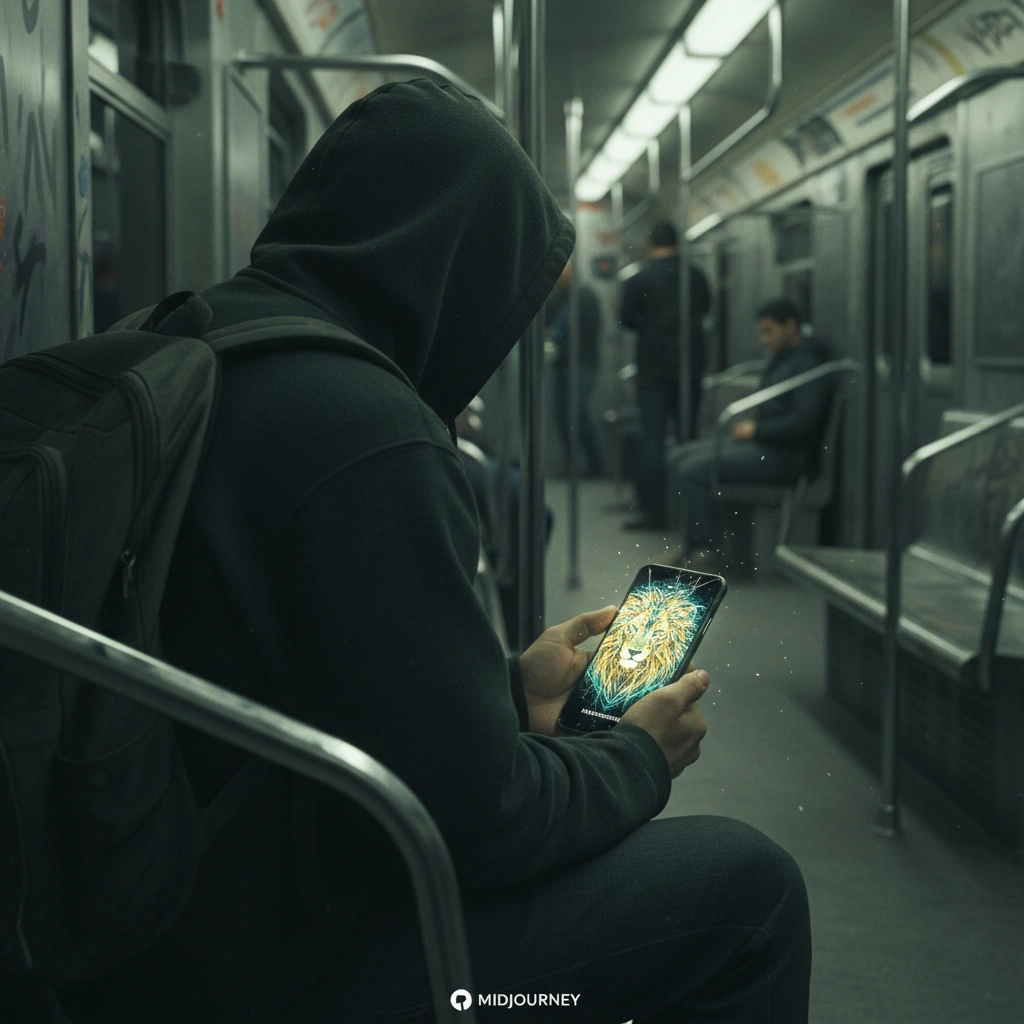
When you ask a standard AI for a "tiny detailed lion," it gives you a 4k image. If you shrink that image to the size of a coin, the lines merge. Tatspark is different because its Create engine is tuned to understand composition limits.
Why Small Tattoos Are High Risk
Ink is not paint; it sits between skin cells. Over time, your body's immune system tries to remove the ink particles. This causes lines to migrate and thicken, a process known as "ink drift."
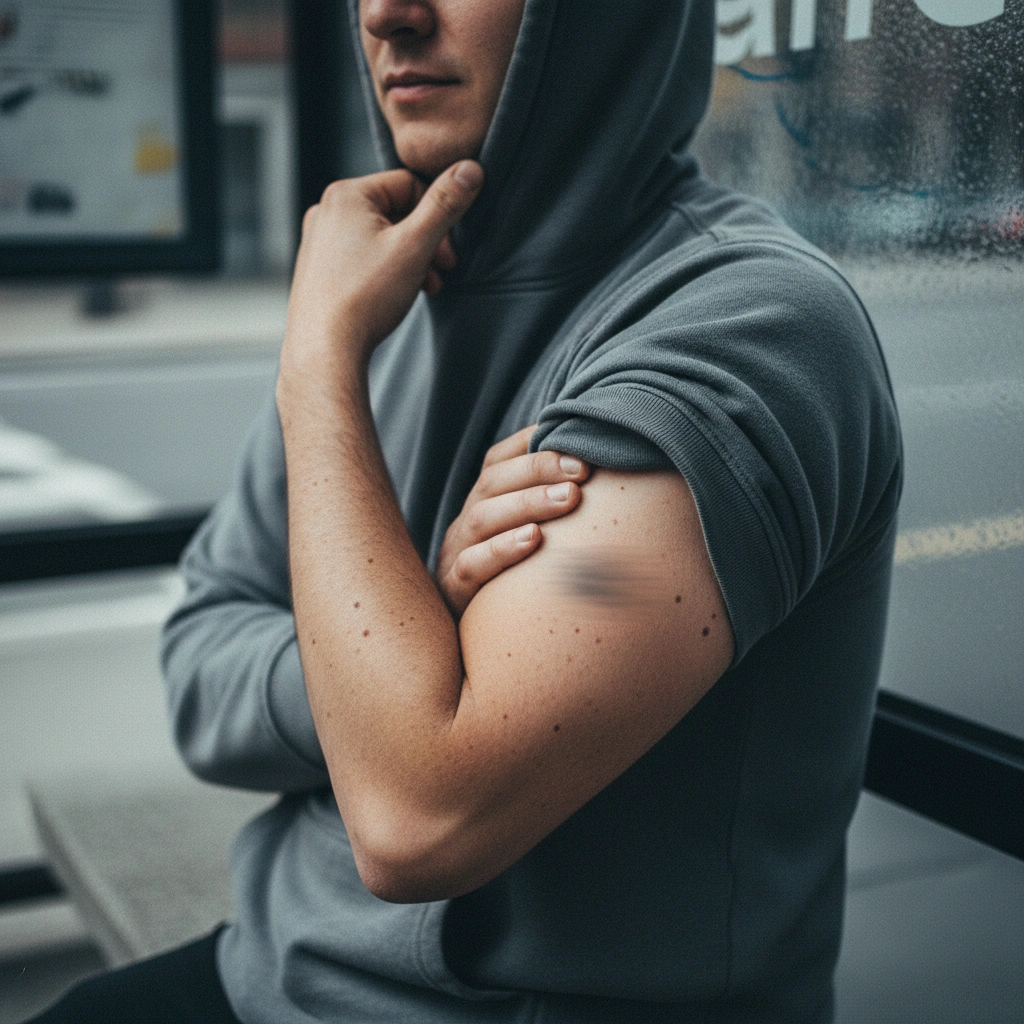
If two lines are tattooed less than 1-2mm apart, they will eventually touch. This creates a dark, muddy spot where there used to be detail. To prevent this, you must prioritize contrast over texture.
How to Design "Safe" Micro Tattoos
You do not have to give up on small tattoos, but you must be smart. First, use Tatspark to generate your initial concept. Then, use the Remix feature to request a "Simplified" or "Minimalist" version of that design.
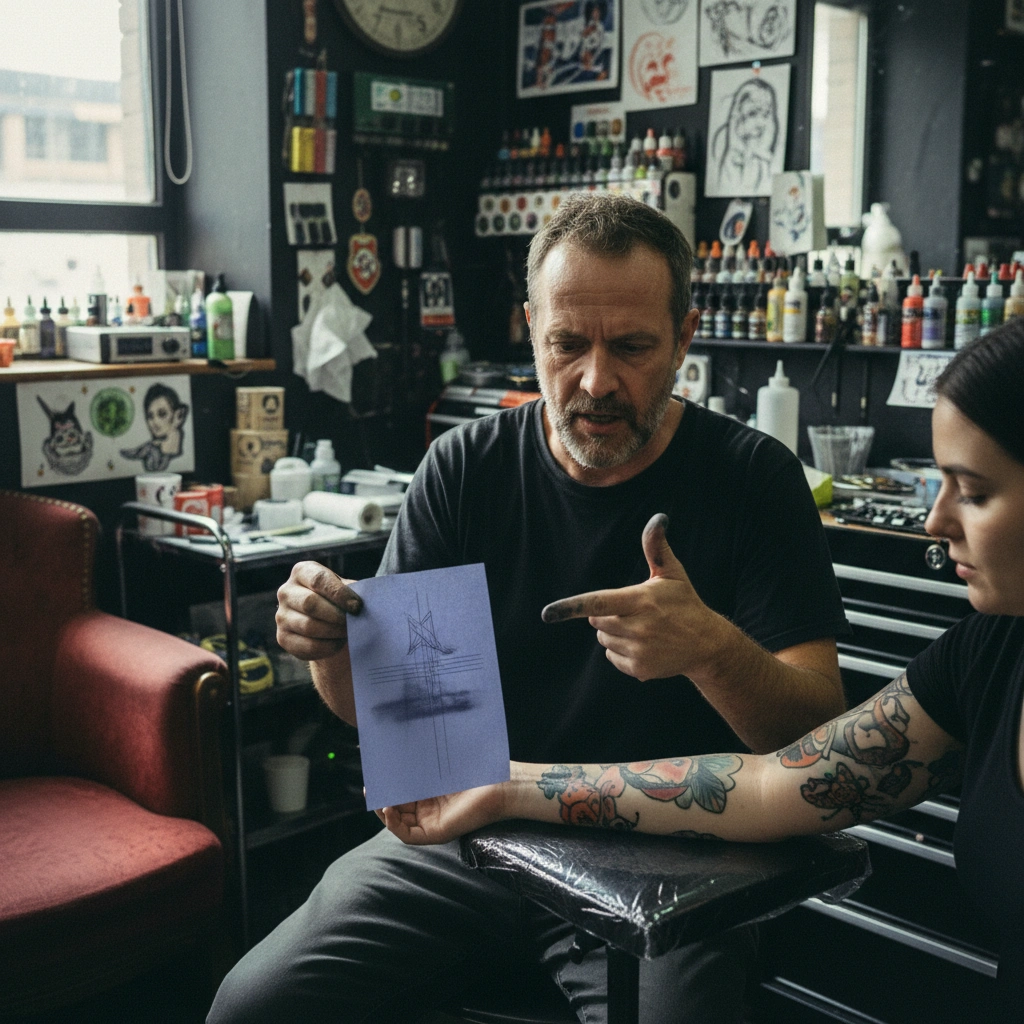
Finally, verify the scale using our 3D Virtual Try-On. This feature allows you to see the design on your actual body size. If the details look muddy in the 3D Virtual Try-On, they will definitely blowout in real life.
Role: Tattoo Design Expert
Task: Prevent micro-tattoo blowout on aging skin
Context: User wants a complex small design
Action: Generate a minimalist tattoo design using Tatspark Remix to reduce line density by 50% for safe stencil extraction.
The Stencil Test
The ultimate test of a tattoo's viability is the stencil. A tattoo artist needs a clean line map to work from. Tatspark's Stencil feature converts your image into a tattoo-ready line drawing.
If the generated Stencil looks like a black blob, the design is too small. You can then use Extract to pull out specific elements and enlarge them. This ensures your artist has a fighting chance to give you a clean result.
If you want a micro tattoo, hold a credit card against your skin. If your design contains a face or landscape, and you are trying to fit it entirely behind that card, it will blowout eventually. Use Tatspark to scale your design up by at least 30%, or simplify the details by 50% using the Remix tool.
Ready to design a tattoo that looks good today and in 20 years?
FAQ (People Also Ask)
- Can I fix a tattoo blowout?
- It is difficult to fix a blowout without laser removal. However, you can use Tatspark to design a "blast over" or cover-up that uses bolder lines to hide the fuzzy edges of the old ink.
- What is the minimum size for a detailed micro tattoo?
- Generally, a detailed object (like a flower or face) needs to be at least 3 inches (7-8cm) tall to age well. Use the 3D Virtual Try-On to visualize this size realistically on your arm.
- Does Tatspark stop me from making small tattoos?
- No, but it gives you the tools to make them better. By using the Convert tool to turn photos into lines, you can see exactly how much detail needs to be removed for the design to work at a small scale.