Tatspark

The Best AI Tattoo Design Tool: From Idea to Ink

Is it possible to find the best AI tattoo design tool that actually understands what you want?

Getting a tattoo is a permanent decision, and the process is often filled with anxiety. You might worry about choosing the wrong design, not being able to explain your vision to an artist, or fearing that the final result won't suit your body. Most generic "AI image generators" fail here—they give you pretty pictures, but they don't understand tattoos. They don't know about body flow, clean lines, or stencils.

Tatspark is different. It is a specialized AI Tattoo Design Agent. whether you are starting from a vague emotion, a blurry photo, or a specific style in mind, Tatspark guides you through the entire workflow: Create, Remix, 3D Virtual Try-On, Stencil, and Convert. You don't need to be a prompt engineer. You just need to talk to Tatspark like you would a friend, and let the agent handle the technical design.
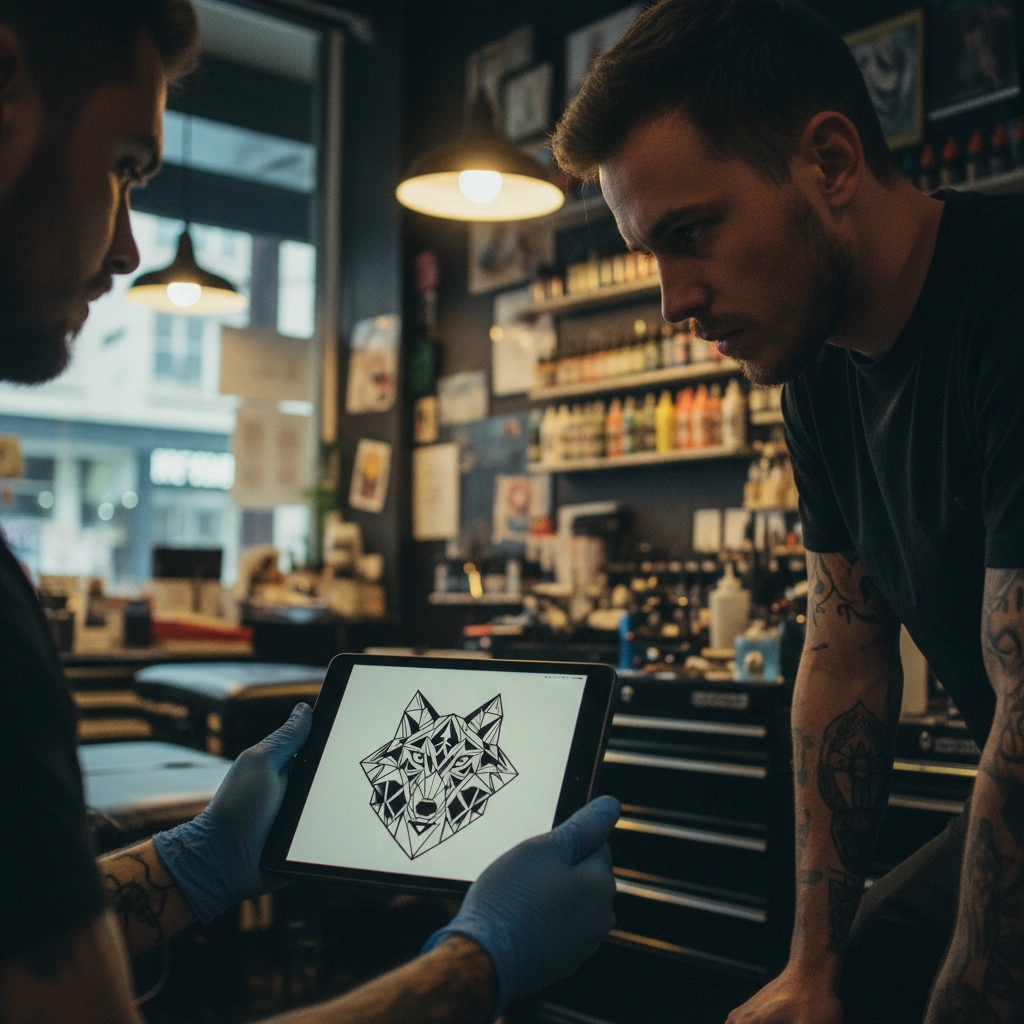
Tattoo artist showing design to client

Start Your Design Journey

Don't let a lack of drawing skills stop you from getting the tattoo you deserve.
Start designing with Tatspark

How to Use These Examples

This page is designed to show you why Tatspark is considered the best AI tattoo design tool for both beginners and pros. We have curated real-world scenarios below.

Note: You simply describe what you want. Tatspark translates that into tattoo reality.


Scenario 1

The "I Have a Story, But No Visual" User

Turn Emotions into Concepts

This scenario is for the first-timer or the meaningful collector. You have a memory, a feeling, or a life event, but you don't know how to translate that into an image. As the best AI tattoo design tool, Tatspark interprets abstract concepts into concrete tattoo styles (like Fine Line, Micro-realism, or Abstract).

Example Natural Language Input

"I want a tattoo that represents resilience. I went through a tough breakup recently, but I'm stronger now. Maybe something with nature? I want it on my forearm."
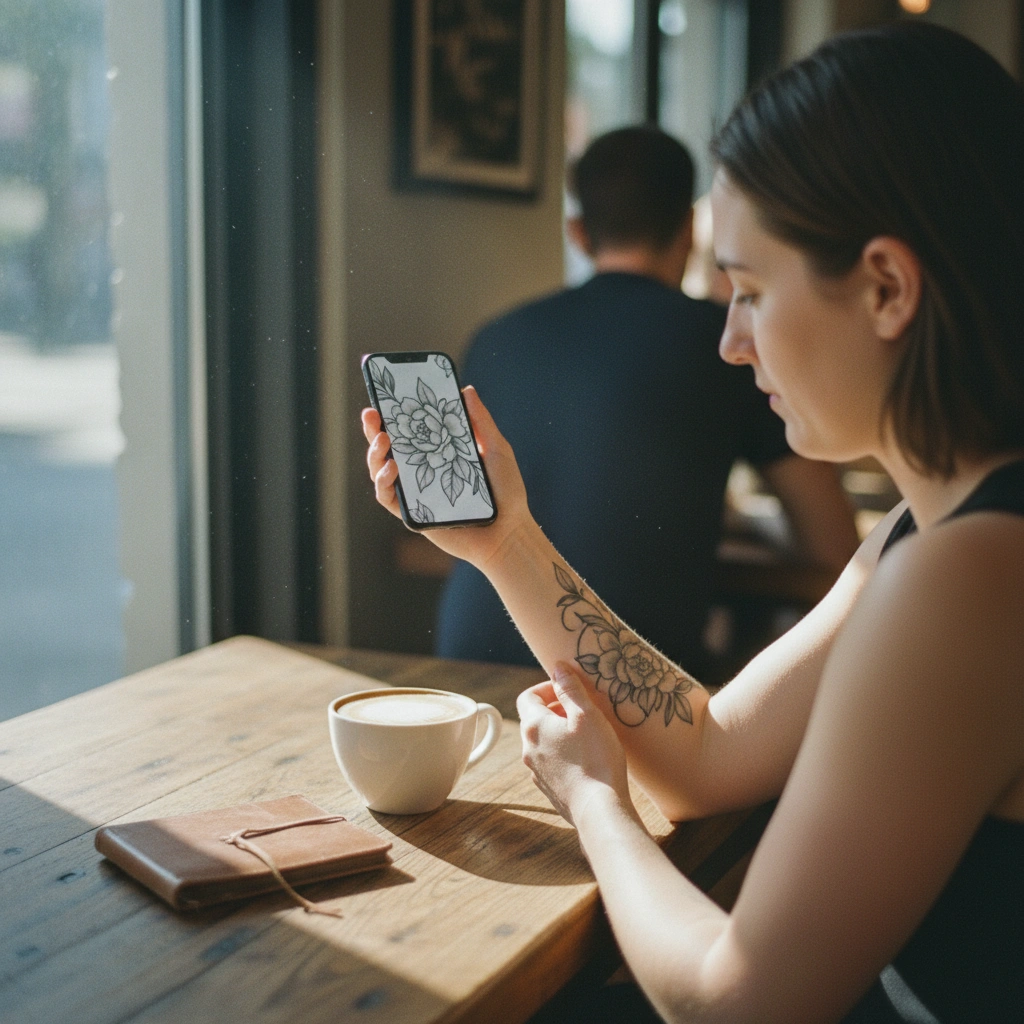
Woman checking tattoo design on phone
Generated
Result: Close up of a forearm with a fine-line tattoo design of a blooming flower growing out of a crack in stone, representing resilience, high detail.
Advanced Prompt (For ChatGPT / LLM)
Role: Professional Tattoo Artist & Symbolism Expert.
Context: The user is looking for the best AI tattoo design tool to visualize an emotional concept (Resilience/Strength).
Task:
1. Analyze the user's story (Breakup, returning strength).
2. Propose 3 distinct visual concepts suitable for a forearm placement.
   - Concept A: Nature/Floral (Growth).
   - Concept B: Geometric/Minimalist (Structure).
   - Concept C: Abstract/Flowing (Change).
3. For each concept, define the 'Tattooability' (line weight, contrast).
4. Explain how to use Tatspark's 'Create' feature to generate this.
5. Explain how to use Tatspark's '3D Virtual Try-On' to check the forearm fit.

FINAL OUTPUT: Provide 2 specific English image generation prompts optimized for Tatspark.
Scenario 2

The "I Need to See It On My Body" User

3D Virtual Try-On & Placement

One of the biggest fears is placement. "Will this look too big on my wrist?" or "Does it wrap correctly?" Generic tools just paste a flat image. Tatspark uses 3D Virtual Try-On to map the design to your actual skin, accounting for curvature and perspective.

Example Natural Language Input

"I like geometric wolf designs. Can you show me what a medium-sized one looks like on my upper arm? I need to see if it fits my muscle shape."
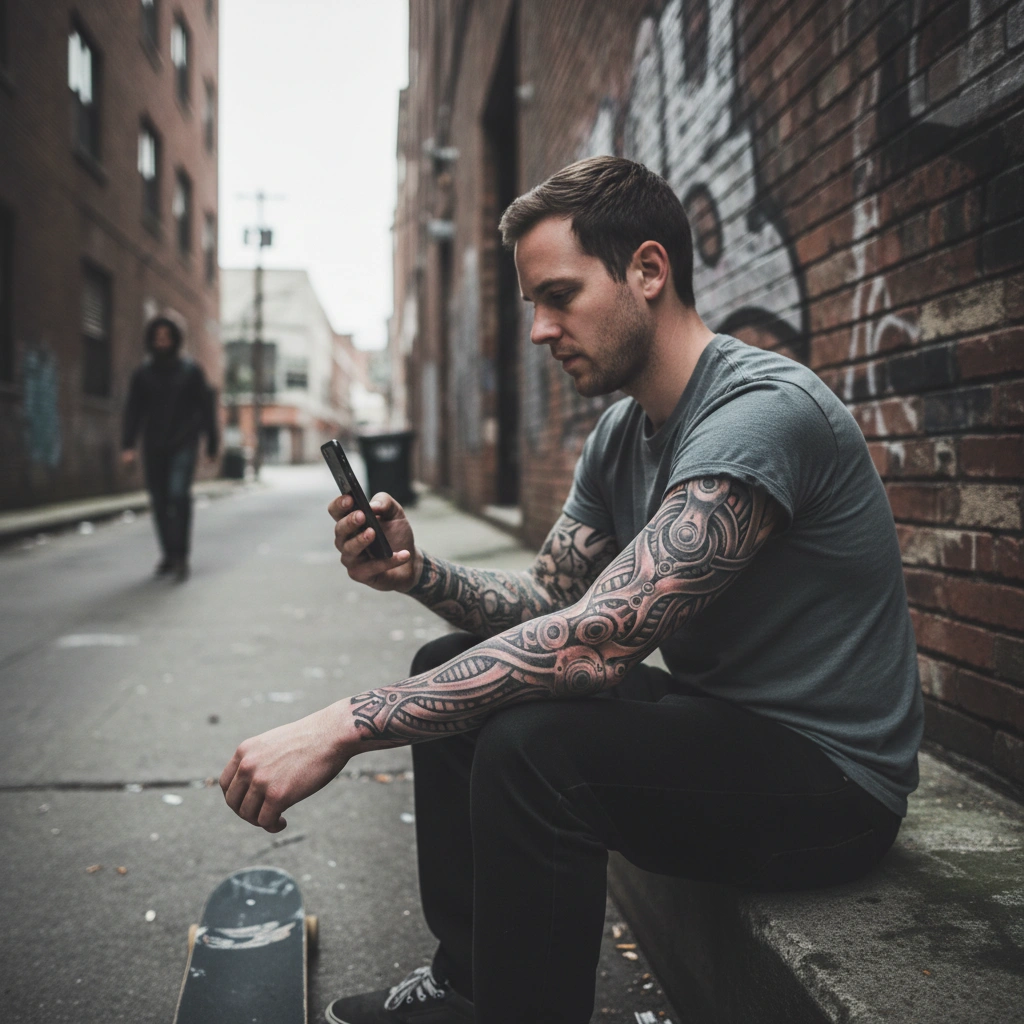
Skateboarder with fresh biomech tattoo
Visualized
Result: A 3D mesh wireframe overlay on a human arm showing how a geometric wolf tattoo wraps around the bicep muscle.
Advanced Prompt (For ChatGPT / LLM)
Role: Tattoo UX Specialist & 3D Visualization Expert.
Context: User wants to verify placement using the best AI tattoo design tool (Tatspark).
Task:
1. Describe the optimal placement for a "Geometric Wolf" on the upper arm (Deltoid vs. Bicep).
2. Explain the importance of "flow" with muscle structure.
3. Guide the user to upload their arm photo to Tatspark.
4. Instruct the user to use the '3D Virtual Try-On' feature to rotate and scale the design.
5. Provide a prompt to generate the initial wolf design.

FINAL OUTPUT: Provide 1 English prompt for a "Geometric Wolf Tattoo, high contrast, suitable for stencil".
Scenario 3

The "Make This Photo a Tattoo" User

Convert Photos to Stencils

Tattoo artists and clients often start with a real photo (a pet, a loved one, an object). However, you cannot tattoo a raw photo; it needs to be simplified into lines and shading. Tatspark's Stencil and Convert features turn complex images into clean, tattooable line work.

Example Natural Language Input

"Here is a photo of my cat. Convert this into a minimalist line drawing so I can give it to my tattoo artist as a stencil."
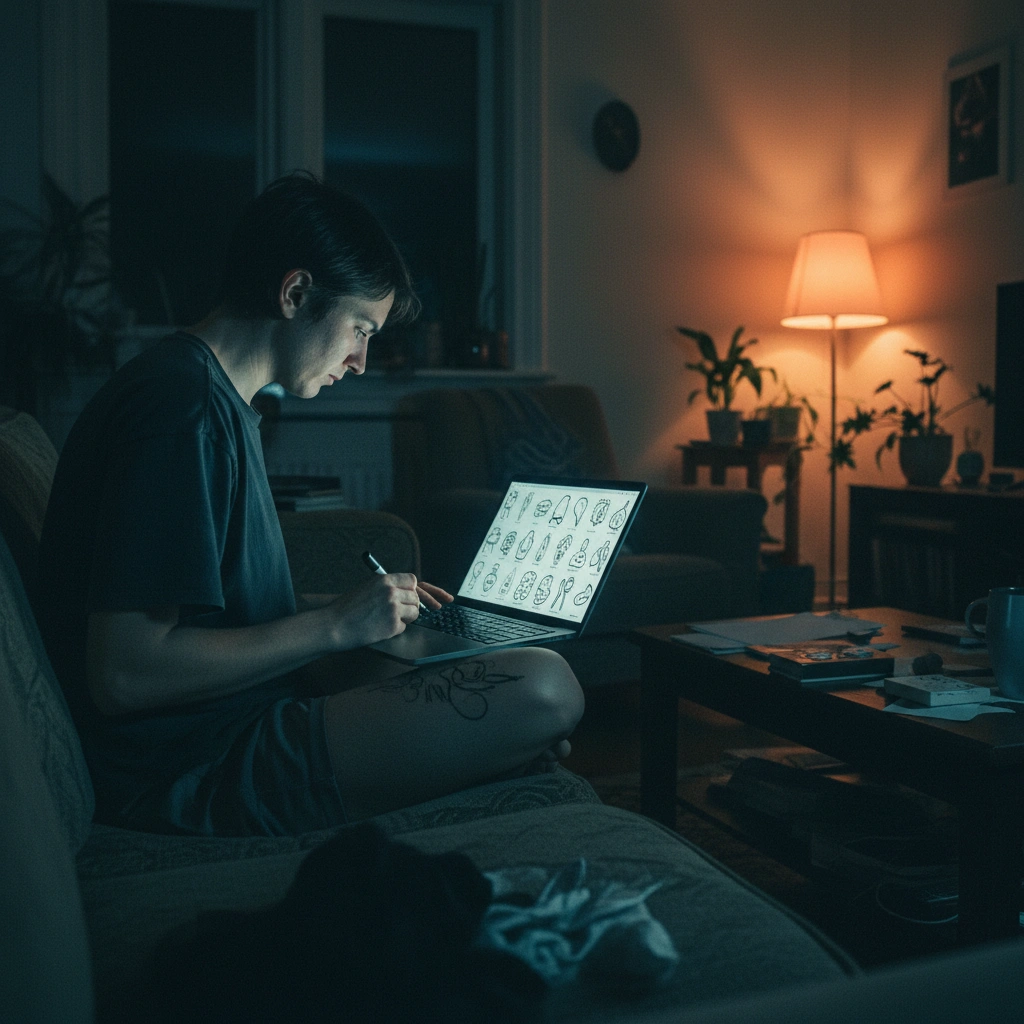
Person designing tattoo on laptop at night
Processing
Result: Split screen image: Left side is a photo of a cat, Right side is a clean black ink tattoo stencil of the same cat.
Advanced Prompt (For ChatGPT / LLM)
Role: Tattoo Technical Designer (Stencil Expert).
Context: User needs to convert a raster image to a vector-style stencil using Tatspark.
Task:
1. Analyze the photo's key features (silhouette, contrast points).
2. Explain the 'Convert' -> 'Line Art' workflow in Tatspark.
3. Define how to adjust 'Density' to ensure the lines don't bleed over time.
4. Explain the 'Export' feature to get a printable file for the artist.

FINAL OUTPUT: Provide a prompt description to help the AI understand "Minimalist single-line contour portrait of a cat".
Scenario 4

The "Fix My Old Tattoo" User

Remix & Cover-Up

Sometimes you have ink you don't love anymore, or a design that feels outdated. You don't need a laser; you need a Remix. Tatspark can take an existing pattern and apply a new style (e.g., changing Old School to Cyber Sigilism) or suggest elements to cover it up.

Example Natural Language Input

"I have a faded heart tattoo. I want to remix it into something edgier, maybe biomechanical or dark work style. Keep the shape but change the texture."
Woman checking tattoo design on phone
Transformation
Result: Before and after comparison: A faded heart tattoo transforming into a dark biomechanical heart tattoo design.
Advanced Prompt (For ChatGPT / LLM)
Role: Cover-up Specialist & Style Transfer AI.
Context: User wants to use the best AI tattoo design tool to update an old tattoo.
Task:
1. Identify the constraints of the old tattoo (darkest points, size).
2. Suggest a 'Remix' strategy using Tatspark (Style Transfer).
3. Recommend styles with high coverage (Biomechanical, Blackwork, Neo-traditional).
4. Explain how to use the 'Extract' feature if they want to keep parts of the old design.

FINAL OUTPUT: Provide 2 English prompts for "Biomechanical Heart, heavy texture, metallic shading".

Start Your Ink Journey Today

Whether you are looking for a simple stencil or a complex full-sleeve simulation, Tatspark is the best AI tattoo design tool because it respects the craft of tattooing. It combines creativity with technical constraints like stencils and body mapping.

You don't need to struggle with prompts.

  1. Describe your idea naturally.
  2. Visualise it on your skin with 3D Try-On.
  3. Export the professional Stencil for your artist.
Start designing with Tatspark →